For many growing trade businesses, getting accounting in order is the first big step. You might already be using a powerful system like Sage Intacct to manage your finances, which gives you a clear view of your profitability. But your financials are only half the story. Every part on your shelves and in your trucks is cash in another form, and without a system to track it, you’re flying blind. This guide explores how Sage Inventory Management software bridges the gap between your physical assets and your financial data. It’s about moving beyond simple accounting to gain true operational control over your business.
Key takeaways
- Treat Sage as Your Financial Hub: Sage is an accounting-first system that excels at connecting inventory data to your financials, giving you an accurate look at material costs and overall value.
- Use Automation to End Stock Errors: Set automatic reorder points and get a live view of inventory across your warehouse and trucks. This helps you prevent costly stockouts and avoid tying up cash in parts you don’t need.
- Integrate for a Field-Ready Solution: For day-to-day contractor workflows like truck stock management and purchasing, pair Sage with a specialized platform. This gives you world-class accounting from Sage and purpose-built materials management for your team in the field.
What is Sage Inventory Management software?
Think of Sage Intacct Inventory Management as a digital command center for all the physical parts and materials your business uses. It’s a cloud-based tool designed to work within the broader Sage Intacct accounting system to give you a clear, real-time view of your stock. For a contractor, that means finally getting a handle on everything from the copper fittings in the warehouse to the specific filters stocked on each service truck.
Instead of relying on messy spreadsheets or guesswork, Sage gives you a centralized place to track what you buy, what you have on hand, and what you use on jobs. It connects your inventory directly to your purchasing and accounting, so you can see exactly how materials impact your costs and profitability. It’s all about moving from reactive supply runs to a proactive, data-driven approach to managing your materials. This system helps you make smarter purchasing decisions and ensures your team has what it needs to get the job done right the first time.
What Sage Inventory Management software does and why it matters
At its core, solid inventory control is about making your business more profitable and keeping your customers happy. When you don’t know what you have or where it is, you waste time and money. Think of the last-minute trips to the supply house or the jobs you had to reschedule because a critical part was out of stock. These small issues add up, hurting your bottom line and your reputation.
Sage helps you know exactly what you have, where it is, and its value at any given moment. This matters because it allows your technicians to confidently tell a customer they have the right part on the truck. It means you can avoid tying up cash in overstocked items that just collect dust. Ultimately, it transforms your inventory from a chaotic liability into a streamlined asset that helps you complete more jobs and operate more efficiently.
The perks of being cloud-based
The term “cloud-based” simply means your inventory data is stored securely online, not on a single computer in your office. This is a game-changer for any business with a team in the field. Your technicians, warehouse manager, and office staff can all access the same up-to-date inventory information from a tablet or phone, no matter where they are.
Imagine your lead tech checking stock levels from a job site to see if a part is available back at the shop. This immediate access prevents miscommunication and ensures everyone is on the same page. It also means you don’t have to worry about maintaining servers or installing software updates. The system is always current, accessible, and ready to scale with you as your business grows, offering flexibility that older, office-bound systems just can’t match.
How Sage Inventory Management software connects with your other tools
Sage Intacct doesn’t operate in a vacuum. Its real power is unlocked when it’s connected to the other software you use to run your business. The system is built to be a financial hub that integrates with a wide range of specialized applications, many of which can be found on the Sage Intacct Marketplace. For contractors, this means you can create a seamless workflow from the field to the back office.
While Sage is fantastic for accounting, you can enhance its power by connecting it with a platform built specifically for contractor purchasing and materials management. For instance, the Ply and Sage Intacct integration ensures that when a part is ordered or used on a job, your inventory counts and financial records are updated automatically. This eliminates double entry, reduces human error, and gives you a complete, accurate picture of your business operations.
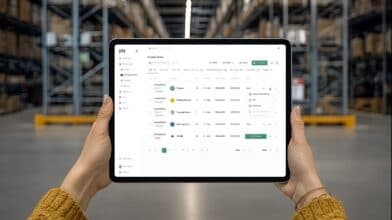
An overview of the Ply platform including integrations with Sage Intacct
What are the key features of Sage Inventory Management software?
When you’re looking at any inventory software, the features are what really matter. It’s not just about counting parts; it’s about how the system makes your day-to-day operations smoother, more accurate, and more profitable. Sage Inventory Management comes with a set of core features designed to give you a clear view of your stock and automate tedious tasks. From tracking parts in real-time to managing stock across multiple trucks and warehouses, these tools are built to handle the complexities of a growing trade business. Let’s break down the key features you can expect and what they mean for your team.
Track your inventory in real-time
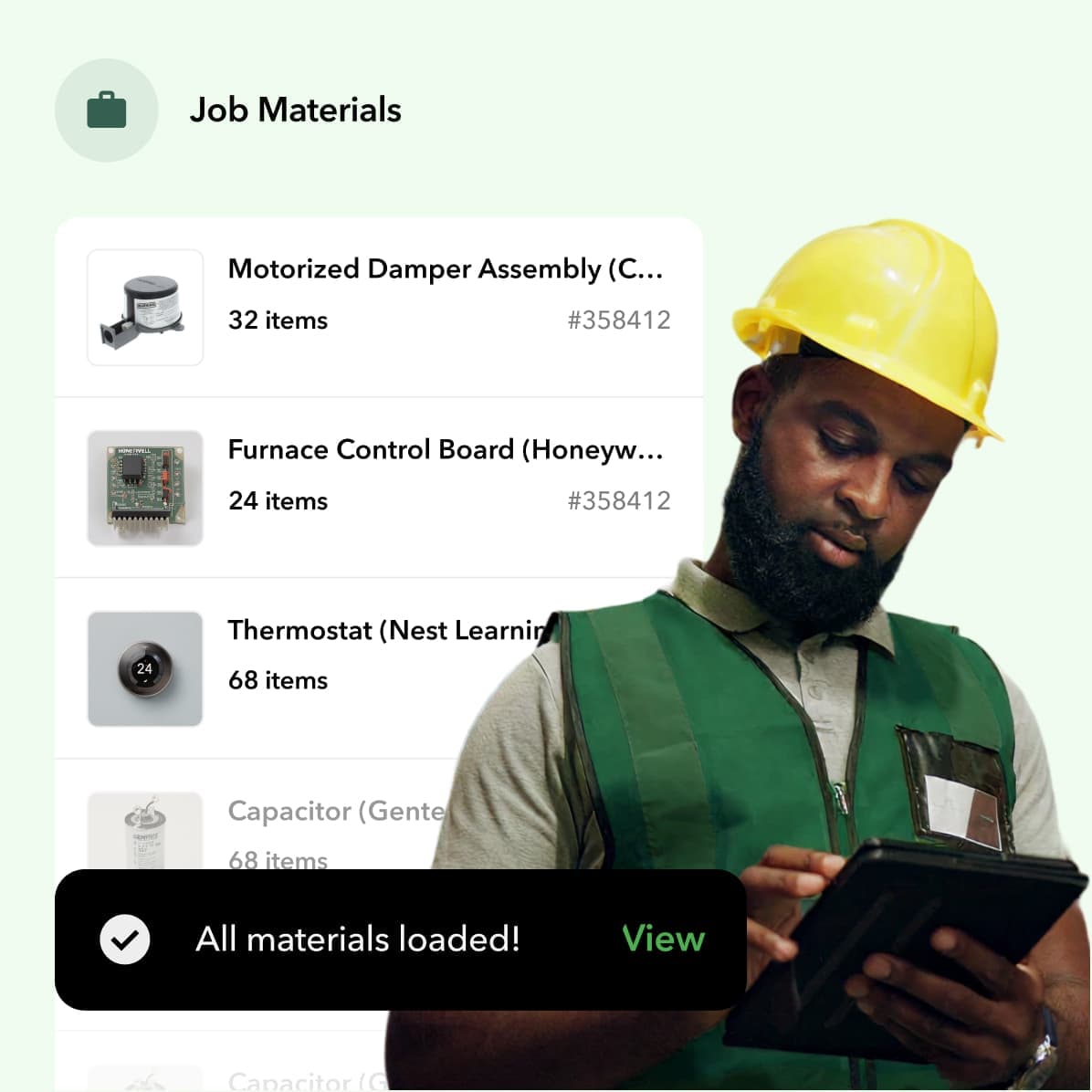
Knowing what you have and where it is (at this very moment) is fundamental. Sage provides real-time updates on your stock levels, so you can see exactly which parts are in the warehouse and which are on a specific technician’s truck. This visibility is crucial for making smart decisions on the fly. You can confidently dispatch a tech to a job, knowing they have the right materials to get it done on the first visit. This eliminates last-minute runs to the supply house and reduces the risk of stockouts that can bring a project to a halt. A clear, live view of your inventory and truck stock is the foundation of an efficient operation.
Automate reordering and workflows
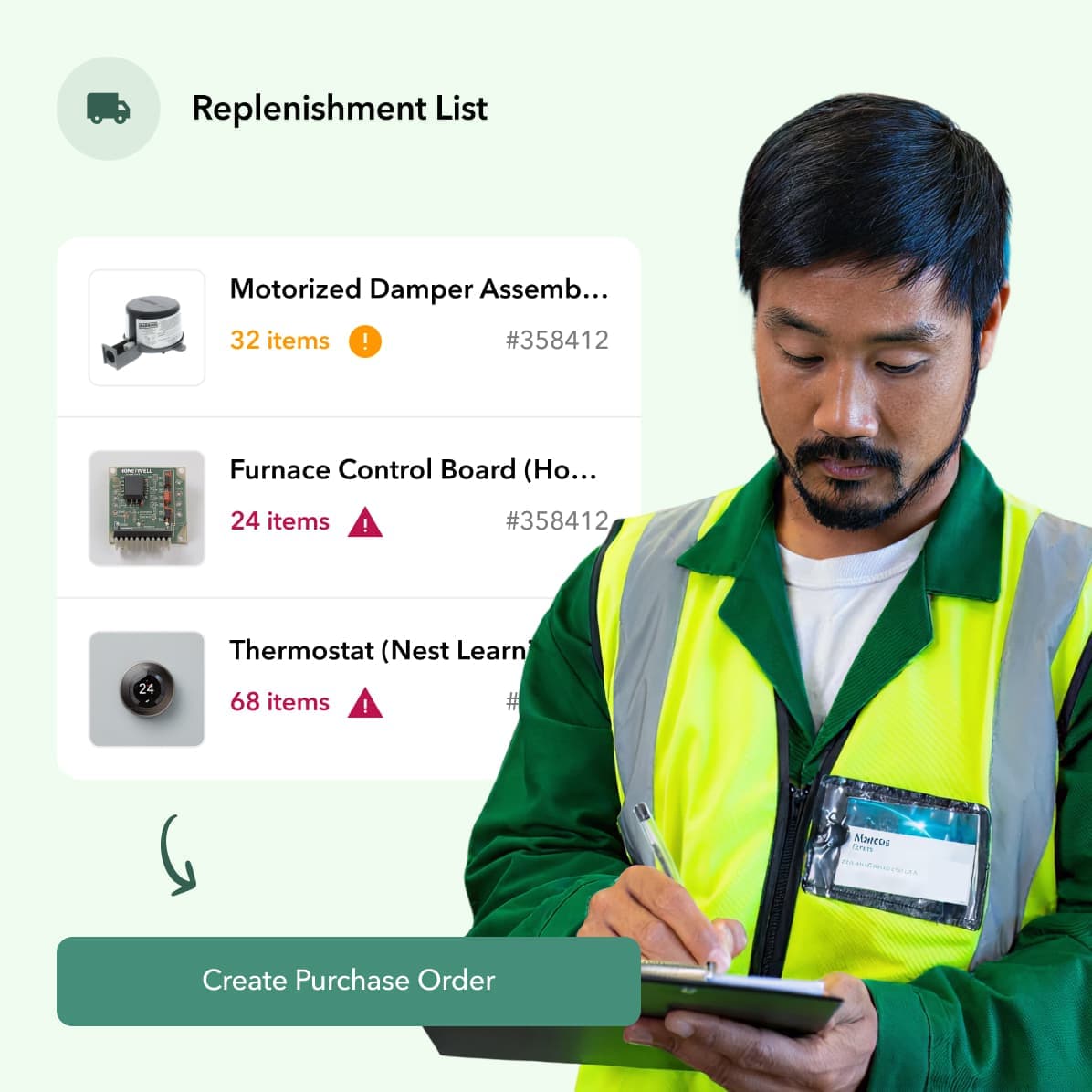
Manually tracking stock levels and creating purchase orders is a time-consuming process that’s prone to human error. Sage helps you put reordering on autopilot. You can set minimum stock levels for your most-used items, and the system will automatically generate a purchase order when inventory dips below that threshold. This ensures you always have critical parts on hand without having to constantly check stock levels yourself. By automating these workflows, you free up your team to focus on more important tasks and maintain optimal inventory levels based on actual sales data. This kind of automation directly impacts your bottom line by preventing costly project delays.
• INTEGRATION: Seamlessly connect Ply and Sage
Manage multiple warehouses and locations
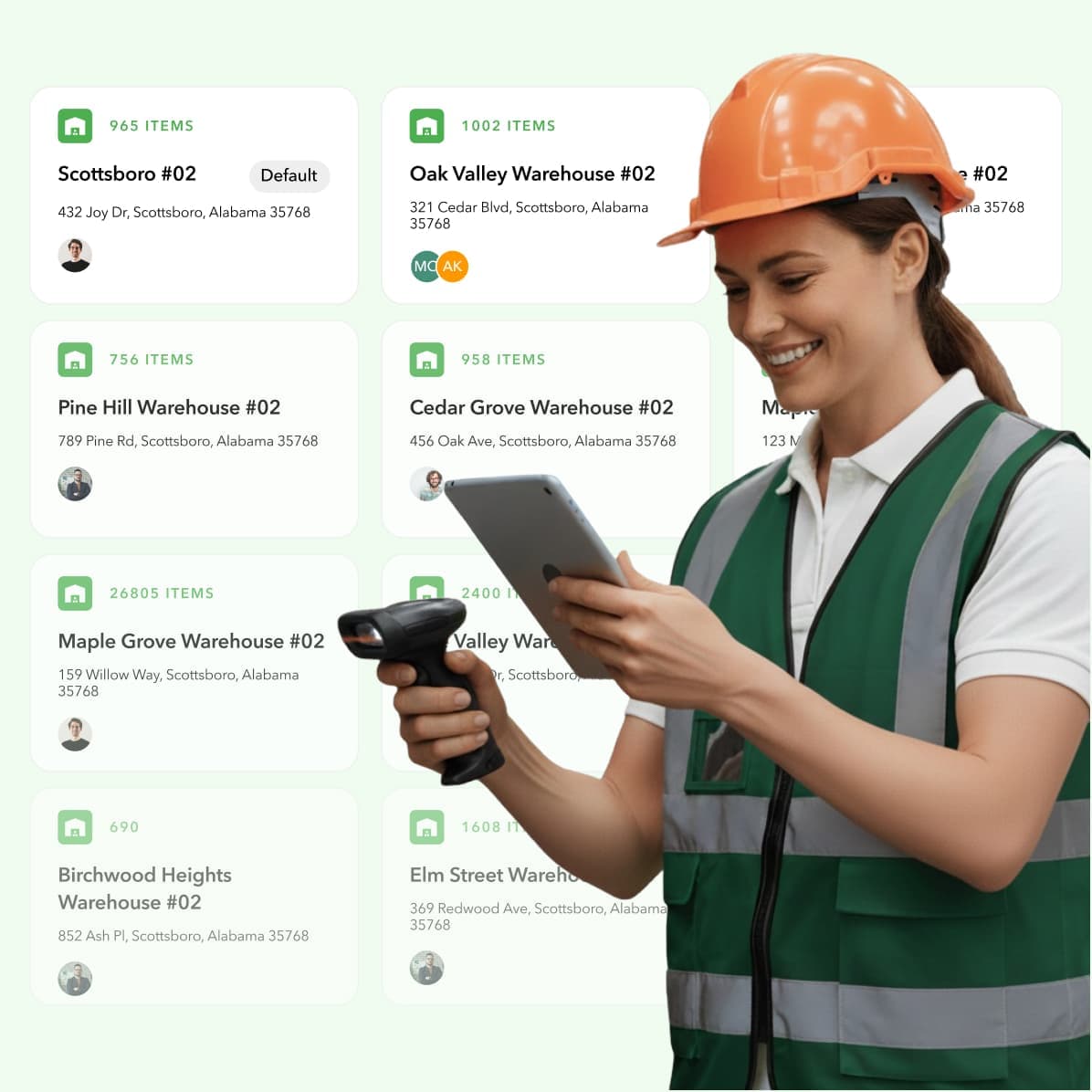
For most contractors, “inventory” isn’t just in one place. It’s spread across a central warehouse, storage units, and a fleet of service vehicles that act as mobile warehouses. Sage is designed to manage inventory across these multiple locations. This gives you a single, unified view of all your stock, no matter where it’s physically located. You can easily transfer parts between trucks or from the warehouse to a job site, all while keeping your records perfectly in sync. Efficiently managing a main warehouse and your mobile stock is key to improving first-time fix rates and keeping your technicians productive throughout the day.
Control your costs and pricing
To run a profitable business, you need to know the true cost of every single job. Sage helps you get a handle on your costs by automatically calculating the landed cost of your goods, that’s the initial price plus any associated fees like shipping and taxes. This gives you an accurate cost of goods sold (COGS), which is essential for smart pricing strategies. When you know exactly what each part costs you, you can create quotes and invoices that protect your margins. This feature works hand-in-hand with your accounting software, ensuring your financial data is always accurate and giving you the insights needed to manage your business effectively.
Scan barcodes on the go
Manual inventory counts are slow and often inaccurate. Sage incorporates mobile barcode scanning to make tracking your parts faster and more precise. Your team can use a smartphone or tablet to quickly scan items as they are received into the warehouse, loaded onto a truck, or used on a job site. This instantly updates your inventory records, eliminating the need for manual data entry and reducing the chance of errors. You can also print labels directly from a mobile device. This capability is a game-changer for maintaining an accurate inventory count, especially in a busy warehouse or when technicians are out in the field and need to update stock levels quickly.
It’s important to understand that Sage is an accounting-first system. Its inventory features are robust, but they were built to serve the accounting function. Other solutions are built from the ground up specifically for the complex material management needs of trade businesses.
How does Sage compare to other solutions?
When you’re looking for inventory management software, you’ll quickly find that Sage is a major player, but it’s not your only option. The right choice often comes down to what your business truly needs. Sage Intacct, for example, is a powerful cloud-based accounting and financial management platform with a built-in inventory module. It’s designed to give you a comprehensive view of your business by connecting inventory with purchasing, sales, and your general ledger. This all-in-one approach is a huge draw for businesses that want a single source of truth for their financial and operational data.
However, it’s important to understand that Sage is an accounting-first system. Its inventory features are robust, but they were built to serve the accounting function. Other solutions are built from the ground up specifically for the complex material management needs of trade businesses. These specialized tools often provide more granular control over things like truck stock, job costing for materials, and multi-step purchasing workflows. The key isn’t necessarily choosing Sage or another solution, but understanding how they can work together. Many businesses find the sweet spot by using Sage for its world-class accounting and integrating it with a purpose-built tool to handle the day-to-day inventory grind.
Why integrated systems win
Having systems that don’t talk to each other is a recipe for headaches, manual data entry, and costly mistakes. The real power comes from integration. When your inventory management software connects seamlessly with your accounting platform, you get a real-time, accurate picture of your business. You know exactly what you have, where it is, and what it’s worth at any given moment. This visibility is critical for making smart purchasing decisions and protecting your profit margins on every job. An integrated system ensures that when a tech uses a part on-site, your inventory and your books are updated automatically, creating a smooth workflow from the field to the office.
Does it grow with your business?
One of the biggest questions to ask before committing to any software is, “Will this still work for me in five years?” With Sage, the answer is generally yes. It’s designed to scale, allowing you to add new warehouses, service trucks, or product lines without outgrowing the system. This flexibility is essential for ambitious trade businesses looking to expand their service area or team. As your operations become more complex, Sage’s ecosystem allows you to connect specialized tools to handle specific needs. This means you can build a tech stack that grows with you, ensuring you always have the right tools for the job without having to start from scratch.
Is Sage the right fit for you?
So, is Sage the one? If you’re already using Sage for accounting or need a top-tier financial management system that includes inventory, it’s an excellent choice. It provides a solid foundation for managing your operations. However, if your biggest struggles are tracking parts across dozens of service vehicles, streamlining a chaotic purchasing process, and ensuring techs have what they need to finish a job on the first visit, you might need more. A specialized contractor inventory solution that offers a Sage Intacct integration can give you the best of both worlds: powerful accounting from Sage and purpose-built material management designed for the trades.
What problems does Sage Inventory Management solve?
If you’re still managing materials with spreadsheets or a clipboard, you know the headaches that come with it. A part number gets typed in wrong, and suddenly you’ve ordered 100 of the wrong valve. A technician grabs the last of a specific filter from the truck, but nobody writes it down, leaving the next tech empty-handed at a job site. These small issues create bigger problems, like project delays, budget overruns, and frustrated customers. This is where a dedicated system like Sage Inventory Management comes in.
Sage is designed to address the core challenges that growing trade businesses face. It’s not just about counting parts; it’s about creating a reliable, single source of truth for your entire materials workflow. By connecting your inventory data directly to your purchasing and accounting, it helps you get ahead of problems before they start. Instead of reacting to stockouts or discovering counting errors during a quarterly audit, you can manage your materials proactively. This shift allows you to spend less time putting out fires and more time focusing on what really matters: completing jobs efficiently and keeping your customers happy. The goal is to make your inventory work for you, not against you, by providing the visibility and control needed to run a smoother, more profitable operation.
✓ Eliminate manual tracking errors
We’ve all been there. A simple typo or a missed entry in a spreadsheet can throw your entire inventory count off. These manual errors aren’t just annoying; they have real-world consequences. They can lead to ordering the wrong materials, creating inaccurate job quotes, and sending technicians to a site unprepared. Sage Inventory Management helps reduce these mistakes by connecting everything in one system.
Because it’s a cloud-based tool that integrates with your purchasing and accounting, the data flows automatically. When you receive a shipment, the inventory levels update. When a part is used on a job, it’s deducted from the count. This automation removes the need for manual double-entry, which is where most errors happen, giving you more accurate data you can actually trust.
✓ Prevent stockouts and overstock
Walking the line between having too much inventory and not enough is a constant challenge. Stockouts bring jobs to a halt, forcing last-minute runs to the supply house and delaying project timelines. On the other hand, overstocking ties up your cash in materials that are just collecting dust on a shelf. Both scenarios hurt your bottom line.
Sage helps you find that sweet spot. The system can automate how you manage stock, so you can avoid running out of popular items or carrying too much of something that rarely gets used. By setting automatic reorder points for critical parts, you can ensure you always have what you need without thinking about it. This keeps your cash flow healthy and your projects moving forward without interruption.
✓ Improve your demand forecasting
Guessing what you’ll need for the next month or quarter can feel like a shot in the dark. You might base your orders on last year’s numbers or just a gut feeling, but that often leads to stock imbalances. Accurate demand forecasting means looking at your data to make smarter purchasing decisions, ensuring you’re ready for seasonal shifts or larger projects.
By connecting with your ERP, Sage uses your historical data to provide intelligent advice for planning your supply chain. It analyzes past usage trends to help you predict future needs more accurately. This allows you to order materials proactively instead of reactively. You can anticipate demand for things like AC units in the spring or furnace parts in the fall, making sure you have the right inventory on hand to meet customer needs.
✓ Streamline operations across locations
For businesses with multiple warehouses or a fleet of service trucks, keeping track of inventory is even more complex. Who has that specific circuit board? Is it at the main warehouse or on truck #5? Without a centralized system, finding a part can turn into a company-wide search party, wasting valuable time for both your office staff and your technicians.
Sage provides real-time updates on stock levels across every location. Whether a part is in the warehouse, on a truck, or at a job site, you have a clear, unified view of where everything is. This makes it easy to manage stock transfers, check availability before dispatching a tech, and ensure every truck is properly stocked for the day’s jobs. It brings order to the chaos and gives you complete control over your assets.
How much does Sage cost?
Figuring out the true cost of any new software is about more than just the monthly fee. You need to look at the full picture: the subscription price, the potential for savings, and any extra costs that might pop up down the road. When you’re running a business in the trades, every dollar counts, so let’s break down what you can expect to invest in Sage for inventory management. This will help you understand the total financial commitment and see how it stacks up against the value it could bring to your operations.
A look at Sage’s pricing
Sage offers several products, and the one you choose will depend on the size and complexity of your business. For smaller businesses, Sage Accounting includes basic inventory features, with plans that generally start around $40 per month. As your needs grow, you might look at more advanced products like Sage 50 or Sage Intacct, which come with more robust inventory capabilities and, naturally, a higher price tag. The pricing structure is tiered, meaning you pay more for access to advanced features. It’s a good idea to review their current plans to see which tier includes the specific inventory tools you need, like multi-location tracking or advanced reporting.
How it helps you save money
Investing in inventory software should feel just like that, i.e., an investment, not just another expense. The main way it pays you back is by cutting down on costly inefficiencies. When you have a clear view of your stock, you can prevent both overstocking (which ties up your cash) and stockouts (which can delay jobs and frustrate customers). Automating your reordering process means fewer last-minute, expensive runs to the supply house. By tracking parts accurately, you ensure your techs have what they need on their trucks, leading to more first-time fixes and happier clients. You can even calculate the potential ROI of an inventory system to see how these efficiencies translate into real dollars.
What are the hidden costs?
The sticker price isn’t always the final price. With some software, especially systems like Sage 50 that can be hosted, you might run into additional fees. For example, you could pay extra for third-party hosting services, which can add a significant per-user cost each month. Another thing to watch for is feature-gating. You might sign up for a basic plan only to find that a critical function (e.g., like barcode scanning or managing multiple warehouses) requires an upgrade to a more expensive tier. It’s always wise to ask detailed questions about the total cost of ownership, including implementation, training, and support fees, before you sign on the dotted line.
Who should use Sage Inventory Management?
Sage Inventory Management is a solid choice for any business that handles physical products, but it really shines for companies with a certain level of complexity. If you’re juggling inventory across multiple locations, dealing with various suppliers, or trying to connect your stock levels directly to your financial data, Sage is built to handle that. It’s designed for businesses that have outgrown basic spreadsheets and need a more robust, centralized system to see what’s happening with their assets.
The platform is versatile enough to serve a wide range of industries. Retail and e-commerce businesses use it to manage sales channels, while manufacturers and wholesalers rely on it to track everything from raw materials to finished goods. And for service-based businesses in the trades (like HVAC, plumbing, and electrical) it provides a way to manage the crucial parts and equipment needed for jobs. The common thread among these users is the need for accurate, real-time data that flows seamlessly into their accounting software. If your goal is to get a clear picture of your inventory’s value and movement without manual data entry, Sage is worth a look.
Retail and e-commerce
For retail and e-commerce businesses, managing inventory can feel like a constant balancing act. You need enough stock to meet customer demand but not so much that you’re tying up cash in slow-moving items. Sage Inventory Management helps by giving you a unified view of your products, whether they’re sitting on a store shelf or in a warehouse waiting to be shipped. It connects your sales, purchasing, and accounting, so when an item is sold online, your inventory levels are updated automatically. This prevents overselling and ensures your website accurately reflects what’s available, leading to happier customers and fewer logistical headaches.
Manufacturing and wholesale
Manufacturers and wholesalers operate on a larger scale, where small inventory errors can have big financial consequences. Sage helps these businesses get a firm grip on their stock by tracking items at every stage. For manufacturers, this means monitoring raw materials, work-in-progress, and finished goods. For wholesalers, it’s about managing bulk quantities and ensuring order fulfillment is fast and accurate. The system helps you know exactly what you have, where it is, and its precise value. This level of detail is essential for accurate financial reporting and making smart decisions about production schedules and purchasing.
Service businesses with parts to track
If you run a service business in the trades, your inventory isn’t just sitting in a warehouse, it’s on the move in your technicians’ trucks. Keeping track of these mobile stockrooms is a huge challenge. Sage provides a way to monitor parts and equipment, offering real-time updates on stock levels and locations. This means your team knows exactly what’s available before heading to a job site. For an even more field-focused approach, specialized platforms can integrate with Sage Intacct to streamline purchasing and materials management specifically for contractors. This combination ensures your accounting is accurate while your techs have the parts they need to get the job done right the first time.
What you need to get started
Thinking about making the switch? The first step is to take a clear-eyed look at your current inventory process. Identify the biggest bottlenecks and pain points. Are you dealing with frequent stockouts? Is manual data entry causing errors in your accounting? Once you know what problems you need to solve, you can better evaluate if Sage is the right fit. It’s also smart to consider how a new system will work with the tools you already use. Look for solutions that offer strong integrations with your field service management and accounting software to create a truly connected workflow for your business.
Click here to learn how Alberni Electric transformed its operations with Ply
How to get started with Sage Inventory Management
Getting a new system up and running can feel like a huge project, but implementing Sage Inventory Management is often more straightforward than you might think. The key is to approach it with a clear plan for setup, training, and long-term use. When done right, the software integrates directly into your existing operations, giving you a clearer picture of your inventory from day one. Let’s walk through what it takes to get started and make the most of your investment.
The setup and onboarding process
The initial setup is designed to be efficient. Sage’s inventory software connects directly with your existing Sage ERP system, pulling in your data to create a single source of truth for your materials. The goal is to get you from installation to insight as quickly as possible. Many businesses find that within just a few hours of connecting the system, they can get an initial analysis of their stock levels, pinpointing exactly where they have too much cash tied up in inventory or where they’re at risk of running out of critical parts. From there, you can begin placing smarter, data-driven purchase orders in a matter of days, not weeks.
Finding training and support
You don’t have to figure everything out on your own. The most successful implementations happen when you work with a partner who understands both the software and the specific needs of your trade. Experts can help you customize the system, train your team, and ensure the software is tailored to your unique workflows, from the warehouse to the work truck. This is especially important for making sure you can seamlessly connect your tools and get your accounting, field service, and inventory systems all speaking the same language. A good partner will help you move beyond the basic features and truly optimize your operations.
Tips to get the most out of Sage
To really see a return, start with a specific goal in mind. Are you trying to reduce stockouts on high-use parts? Or maybe you want to cut down on excess inventory sitting on shelves? Focus on one or two key areas first. Get your team involved early and make sure they understand how the new system makes their jobs easier, whether it’s by simplifying cycle counts or automating purchase orders. By focusing on clear goals and team adoption, you’ll ensure the software does more than just track parts, it will actively help you reduce costs, improve efficiency, and calculate your potential savings over time.
Related articles
- Ply optimizes Sage Intacct inventory management
- 6 Best Accounting Software for Inventory Management 2025
- Real Time Inventory Management Software Explained
Frequently asked questions
Is Sage Inventory Management a separate software, or part of a bigger system?
Think of Sage Inventory Management as a feature that lives within a larger Sage accounting platform, like Sage Intacct. It’s not a standalone product you can buy on its own. It’s designed to work as the inventory module for your financial system, ensuring that the value of your parts and materials is always perfectly synced with your books. This integration is its core strength.
My team struggles with tracking parts on our service trucks. Can Sage handle that?
Yes, Sage is designed to manage inventory across multiple locations, which includes treating your service trucks as mobile warehouses. You can track what parts are on which truck and transfer items between them. However, since Sage is an accounting-first system, you may find that a specialized tool built for the trades offers a more streamlined, field-friendly experience for technicians to manage their truck stock on the go.
How does Sage’s inventory system differ from a solution built specifically for contractors?
The main difference comes down to focus. Sage is a world-class accounting system with strong inventory features designed to support financial tracking. A solution built for contractors, on the other hand, is designed from the ground up to solve field-specific problems like complex purchasing workflows, managing truck stock for first-time fixes, and making it easy for techs to consume parts on a job. The best setup often involves integrating the two, letting Sage handle the finances while a specialized tool manages the day-to-day material operations.
What’s the biggest benefit of connecting my inventory system to my accounting software?
The biggest benefit is creating a single, reliable source of truth for your business. When your systems are connected, a part used on a job is automatically deducted from your inventory count and its cost is applied to the job’s financials without anyone having to enter data twice. This eliminates human error, gives you a real-time view of job profitability, and ensures your financial reports accurately reflect the value of the inventory you have on hand.
We currently use spreadsheets. How hard is the transition to a real inventory system?
Moving from spreadsheets to a dedicated system is a significant step, but it’s more manageable than you might think. The key is to approach it with a clear plan. Start by cleaning up your existing data and identifying your most critical parts. A good software partner can guide you through the setup and help train your team. While there’s a learning curve, the time you save and the errors you prevent by automating the process will quickly make the initial effort worthwhile.