Home > Blog > Software to Manage Inventory: Top Features, Tools & Best Practices

Software to Manage Inventory: Top Features, Tools & Best Practices

A manager looking at a laptop

If you’re running a contracting or construction business, you already know the chaos that comes from not knowing what’s in your warehouse. Specialized software to manage inventory helps you keep tabs on your stock, automates reordering, syncs your numbers across sales channels, and seriously cuts down on mistakes you get with old-school spreadsheets or manual counts. Whether you’re a small shop or a mid-sized contractor, the right system can save you hours—not to mention the headache of overselling or running out of those parts everyone suddenly needs.

The best software to manage inventory offers something for every budget and business type. Some focus on simple tracking with barcode scanning and straightforward reports. Others pile on advanced features like demand forecasting, multi-warehouse management, and integrations with your accounting or ecommerce setup.

So, how do you choose? You’ll need to figure out which features actually matter for your day-to-day. This guide digs into what inventory management software actually does, why it’s worth considering, and how to find a system that fits your business—whether you’re a plumber, builder, or run a small manufacturing shop with big plans.

Key Takeaways

  • Inventory management software tracks stock, automates reorders, and connects with your sales and accounting tools—so you can stop wasting time on paperwork
  • Features range from basic barcode scanning to forecasting, multi-location control, and even manufacturing BOMs
  • The “best” pick really depends on your business size, industry quirks, budget, and whether you need it to play nice with your current tools

What Is Inventory Management Software?

Inventory management software lets you automate tracking and control of your stock across every part of your operation. Unlike basic inventory control tools, these systems manage the whole supply chain and come in flavors for all sorts of business needs.

Definition and Core Purpose

Inventory management software is a digital tool that helps you track, control, and manage inventory across your business—no more paper logs or clunky spreadsheets. You get real-time digital records instead.

The software tracks your stock as it moves in and out. When you’re running low, it can shoot out purchase orders and update records instantly at every location. That means fewer human errors—no more miscounts from tired eyes at the end of a long shift.

Modern inventory systems show you exactly what’s on hand, what’s selling, and when to reorder. They help you avoid stockouts that lose sales, as well as overstocking that just eats up space and cash. The right system even connects with your suppliers and gives customers accurate shipping updates—pretty handy when deadlines are tight.

Inventory control is really just about knowing what you’ve got and where it’s stored. Inventory management software takes it further, covering the full inventory lifecycle.

How Inventory Management Differs from Inventory Control

Inventory control is really just about knowing what you’ve got and where it’s stored. Inventory management software takes it further, covering the full inventory lifecycle.

With inventory management, you coordinate purchasing, receiving, storage, and distribution. You can actually forecast demand using your sales history and market trends. These systems help you manage suppliers and tie everything back to your accounting for clearer financials.

Inventory control asks, “What do we have?” Inventory management asks, “What do we need to order, when, and how much?” That planning makes a real difference in keeping projects moving without tying up too much cash in supplies you don’t need.

Key Types of Inventory Management Systems

Perpetual inventory systems update your stock records in real time as you make sales, returns, or receive deliveries. You always know where you stand—no guesswork.

Periodic inventory systems update stock at set times, like every week or month. You’ll count everything and update your records then. It’s less tech-heavy, but you’re flying blind between counts.

Barcode scanning systems let you scan products as they move through your warehouse. No more manual entry—just scan and go, whether you’re receiving, picking, or shipping.

Radio frequency identification (RFID) systems use wireless tags so you can track inventory automatically. RFID readers pick up tagged products without line-of-sight, which is a lifesaver in big warehouses with lots of movement.


Why Use Software to Manage Inventory?

Inventory software really changes the game by replacing those time-consuming manual methods with automated systems. You get real-time visibility into what’s on hand, and you’ll slash human error and unnecessary costs.

Benefits Over Manual Inventory Management

Manual tracking means someone’s hunched over a spreadsheet or jotting notes on paper. It’s slow, and mistakes creep in—especially when you’re busy or short-staffed.

Inventory management software keeps all your product details—quantities, locations, expiration dates—in one place. Scan items with your phone or tablet instead of scribbling on paper. No more hunting for files or counting the same stack twice.

The system gives instant access to inventory data across every site. Your sales team can check what’s in stock without calling the warehouse. That means less time wasted and more focus on jobs that actually move your business forward.

Increasing Operational Efficiency

Modern inventory systems help you work smarter. Warehouse staff find items fast using search and tracking features, so shipping moves quicker and you avoid hold-ups.

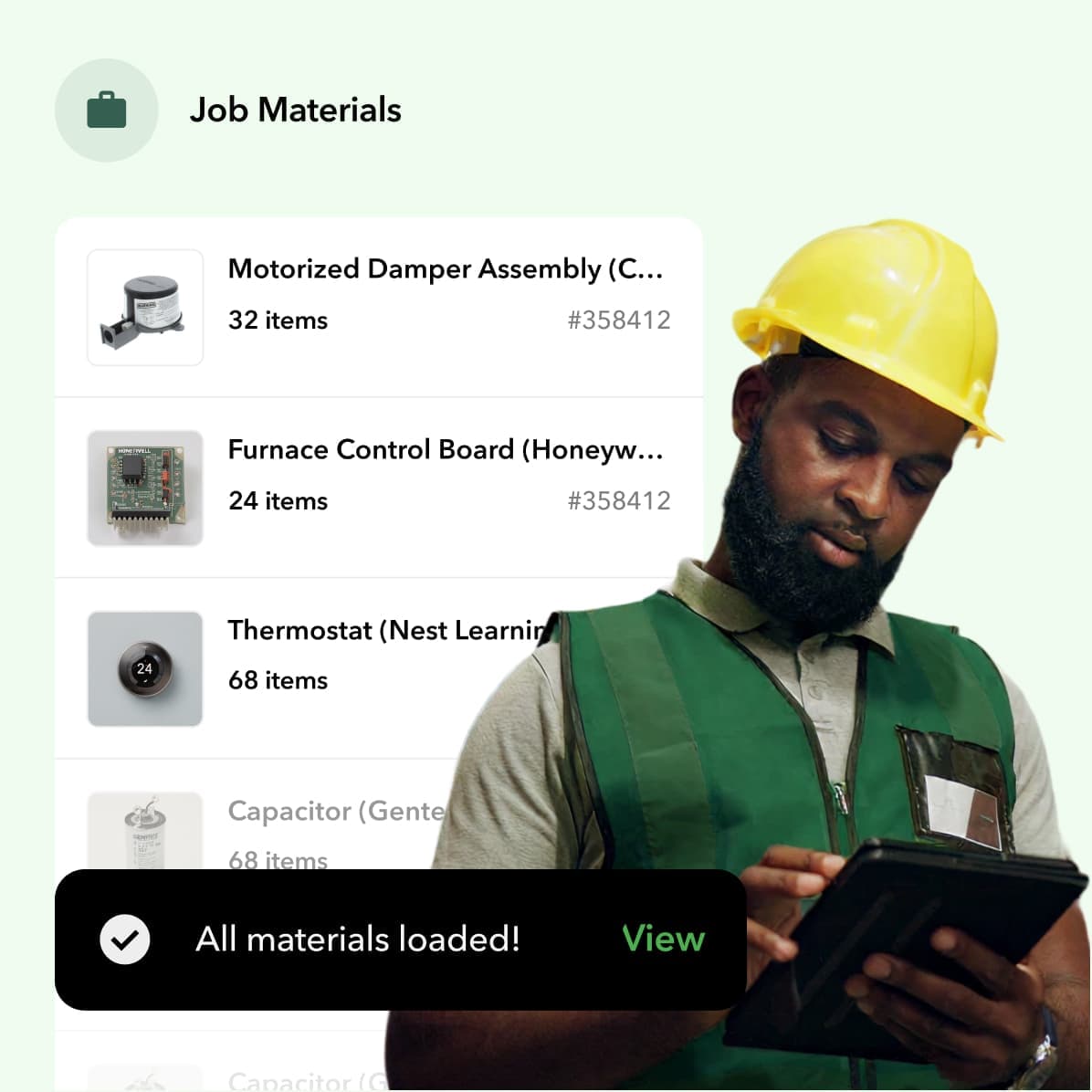
If you’re a manufacturer or contractor juggling multiple parts, the software makes demand planning easier. Forecast what you’ll need and order ahead—no more scrambling when you run out mid-project. When all your materials are ready to go, jobs don’t stall.

Mobile access is a game-changer. Your crew can update inventory right from the warehouse floor—no need to run back to a desk. You’ll know your storage capacity at a glance, without sending someone to walk the aisles and count boxes.

Mitigating Inventory Errors and Shrinkage

Inventory errors—when the numbers don’t match reality—cost real money through lost sales or wasted supplies.

Inventory software helps you stay on top of quality control by tracking every product move. If there’s a recall, you can actually find the affected items before they reach customers. Your QC team can pull up the history and figure out where things went sideways.

Reporting features show you where inventory is leaking out. If you deal with perishables or items that expire, you can spot patterns and cut down on waste. Real-time visibility means you won’t accidentally sell stuff that’s not really in stock—which keeps your margins and your reputation intact.

Key Features of Inventory Management Software

Today’s inventory management software gives you the tools to track stock levels, automate updates, and make smarter decisions. Real-time tracking takes the guesswork out, and automated alerts help you dodge expensive stockouts.

Real-Time Inventory Tracking

With real-time tracking, you always know what’s in stock at every location. The system updates as soon as items come in or go out—no more waiting for someone to update a spreadsheet.

This feature keeps your data synced across all your sales channels. Say a customer orders online—the system adjusts your numbers right away, so you don’t accidentally oversell.

You can watch products move from receiving to sale. Multi-location tracking means you know exactly where each item is, whether it’s in your main warehouse, a job site trailer, or in transit.

Spotting discrepancies gets a lot easier, too. If your physical count doesn’t match the system, you can dig in and fix it before it becomes a bigger headache.

Barcode Scanning and Serial Number Tracking

Barcode scanning speeds up your inventory work and cuts down on mistakes. Just scan during receiving, picking, or shipping—no need to type in endless codes.

You don’t need fancy gear—your phone or tablet will do. Most systems handle standard barcodes and QR codes, so you’re covered.

Serial number tracking takes it up a notch by giving each item a unique ID. That’s huge for high-value tools, regulated materials, or anything with a warranty you might need to track down later.

Here’s what you get:

Quicker data entry during counts

Way fewer typos

More accurate order fulfillment

Easy traceability if you need to recall or find a specific item


Serial numbers also help with FIFO and LIFO—making sure you use the oldest stock first or tracking which batch a problem item came from.

Automated Stock Updates and Low-Stock Alerts

Automated updates mean you’re not stuck making manual adjustments. As soon as you receive, sell, transfer, or return items, the system updates your numbers.

Low-stock alerts ping you when products dip below the level you set. You’ll get a heads-up by email, text, or right on your dashboard—whatever works for you.

Some platforms even auto-generate purchase orders when you hit reorder points, so you don’t run out of popular items before you realize you’re low.

You can set different alert levels for different products. Fast movers might need a higher threshold than slow sellers—no one-size-fits-all here.

Automation usually covers:

Calculating reorder points

Tracking vendor lead times

Adjusting for seasonal demand

Syncing inventory across all your sales channels


The software analyzes sales trends to help you avoid overstocking, too. Automated triggers help you keep just the right amount on hand—enough to meet demand, but not so much you’re drowning in extra parts.

Reporting and Analytics Capabilities

Reporting and analytics turn your inventory data into insights you can actually use. Generate reports on stock levels, turnover rates, carrying costs, and sales patterns—customize them however you like.

The system tracks key metrics like days of inventory on hand and stock-to-sales ratios. You can see which items make you money and which ones just gather dust.

Dashboards show you the big picture at a glance. Color-coded charts and graphs help you spot trends—no more staring at endless rows of numbers.

Demand forecasting tools use your sales history to predict what you’ll need next. That means you’re ready for busy seasons and can avoid both running out and over-ordering.

If you want to dig deeper, advanced systems let you drill down—click on a summary and see transaction details or performance by product line.

Plenty of platforms also deliver scheduled reports. Get weekly or monthly inventory summaries sent to your inbox—no need to log in and pull them yourself every time.

Inventory software ties order processing right into warehouse operations, so you can move products from your shelves to your customers without missing a beat.

Order and Fulfillment Management

Inventory software ties order processing right into warehouse operations, so you can move products from your shelves to your customers without missing a beat. Order management software centralizes orders from all your sales channels—whether that’s online, in-store, or through a marketplace—and automates the fulfillment steps so you can focus on the next job.

Order Management Integration

Multi-channel order management pulls orders from platforms like Amazon, eBay, Etsy, and Shopify into one place. So, you’re not stuck checking each channel or juggling endless spreadsheets just to keep up.

The software lets you track orders from the moment they come in until they reach your customer’s door. You can see at a glance which orders need attention, what needs packing, and what’s already out for delivery.

Key integration features include:

Real-time inventory updates across all sales channels

Automatic stock level adjustments as soon as orders come in

Centralized customer info and order history

Payment processing for online orders—no more manual entry


Shipping carrier integrations give you instant rate comparisons and let you print labels right from the system. You can pick the closest warehouse for each customer, which helps cut delivery times and save on shipping.

Order Fulfillment Automation

Automated fulfillment cuts out repetitive work and speeds up the whole order process. With just a click, the software turns confirmed orders into packing slips and spits out shipping labels automatically—no more copying and pasting addresses.

Automatic reordering systems set reorder points and send alerts when stock drops too low. That way, you’re not caught off guard by a surprise stockout that grinds jobs to a halt.

Drop shipping features let vendors send products straight to your customers if you’re running low. Back ordering? No problem—you can take orders for out-of-stock items and ship them as soon as new stock lands.

Batch tracking helps make sure you ship products before they expire, and serial number tracking follows each item through the process, making returns and warranty claims way less of a headache.

Automated customer notifications handle the busywork of sending order confirmations, tracking numbers, and delivery updates—so you don’t have to remember every email.

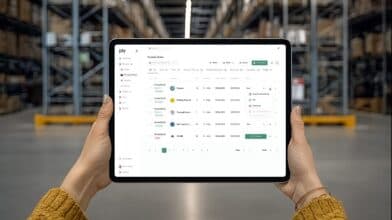
Manager on site looking at his tablet

Inventory Optimization and Forecasting

Modern inventory software leans on data analysis to predict what you’ll need down the road and helps you keep just the right amount of stock—nothing gathering dust, nothing missing when you need it most. Automated forecasting and regular audits help you dodge both shortages and overstock headaches.

Demand Forecasting Tools

Inventory forecasting software analyzes your past sales, market trends, and seasonal swings to estimate what’s coming. That way, you’re making smarter calls about what to order and when.

AI-powered forecasting is shaking up the old way of planning. Advanced systems now make decisions on their own using historical data and customer behavior, so your forecasts are actually useful—not just guesswork.

Most forecasting tools look at a mix of data points:

Past sales performance (not just last month—think bigger picture)

Seasonal buying patterns and trends

Market and economic changes

Effects of promotions or marketing pushes


Software like NetSuite builds in demand planning that models seasonality right alongside sales forecasts. You get a clearer sense of what’s coming before the busy season sneaks up.

Integration can make or break your forecasting. Modern systems sync with your accounting, ERP, and eCommerce platforms so you’re not working with stale or siloed data.

Inventory Optimization Strategies

Inventory optimization software helps you walk the line between too much and not enough, keeping costs down but still meeting customer needs. Smart algorithms figure out the ideal stock levels for each product—honestly, it’s a relief not to have to guess.

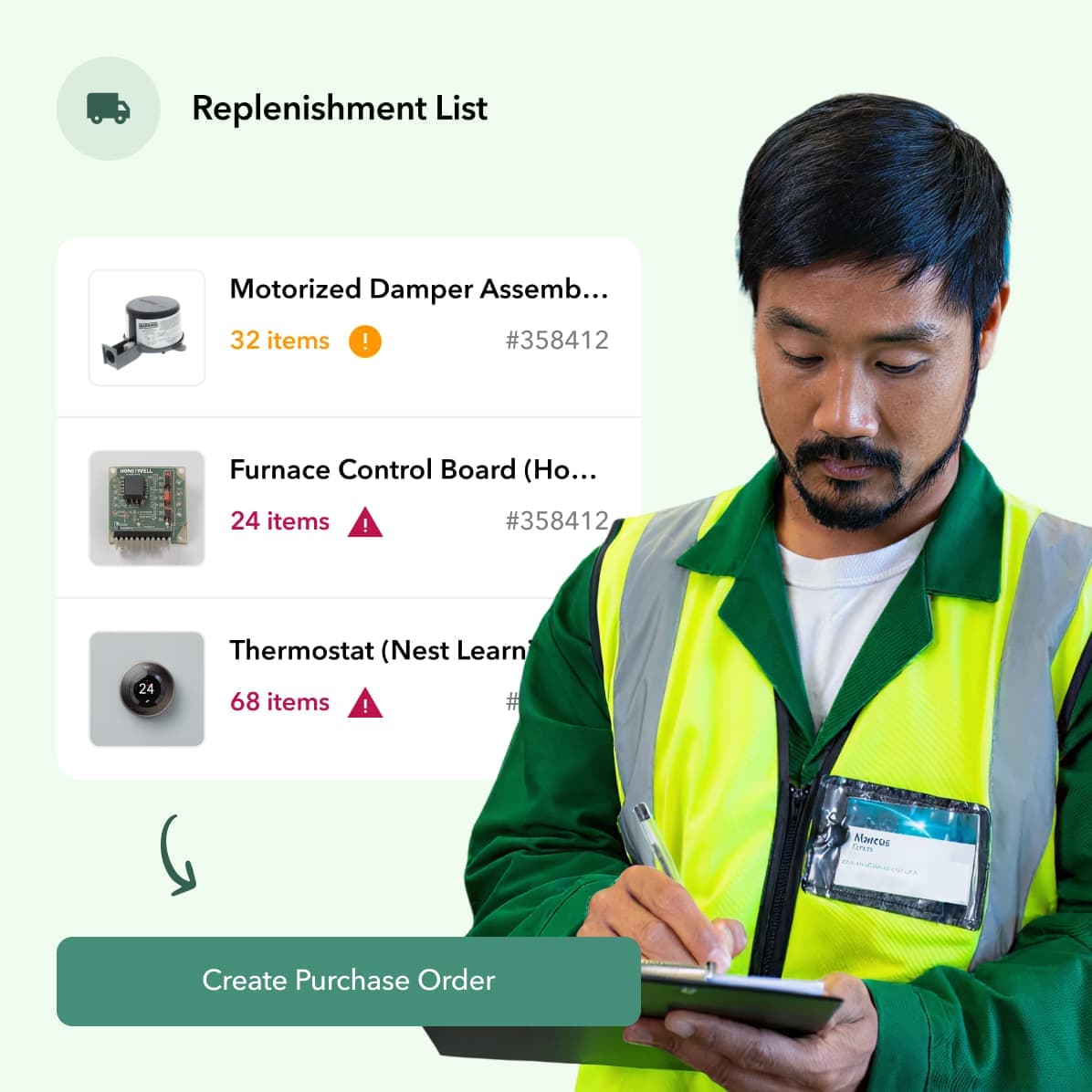
Automated replenishment takes the guesswork out of ordering. The system keeps tabs on your minimum and maximum levels, then fires off purchase orders when inventory dips. You don’t have to babysit it, and you’re not tying up cash in stuff you don’t need.

If you’ve got more than one location, you’ll need optimization features that can handle it. Tools like Odoo offer multi-warehouse control with rules that move inventory based on what’s needed where.

Real-time visibility is a game-changer. You can see inventory moving across all your sites and actually adjust your strategy on the fly.

Inventory Audits

Regular audits keep your physical stock in line with what the system says you have. These checks catch problems like theft, damage, or just plain old data entry mistakes before they spiral.

Cycle counting ditches the once-a-year shutdown for ongoing spot checks. You count a portion of your inventory every day or week, so you eventually cover everything—without stopping work.

Barcode scanning makes audits a lot faster. Warehouse management systems now offer mobile RF barcode scanning, letting your team confirm quantities and locations as they go.

Lot and serial number tracking add another layer of traceability. You’ll know exactly which units moved, when, and where, so tracking down issues is a lot less painful.

Managing Multiple Warehouses and Locations

If you’re running more than one site, you need systems that show you what’s happening everywhere, right now. The right tools help you avoid stock imbalances and let you fill orders from the best spot, not just the closest guess.

Multi-Warehouse Management

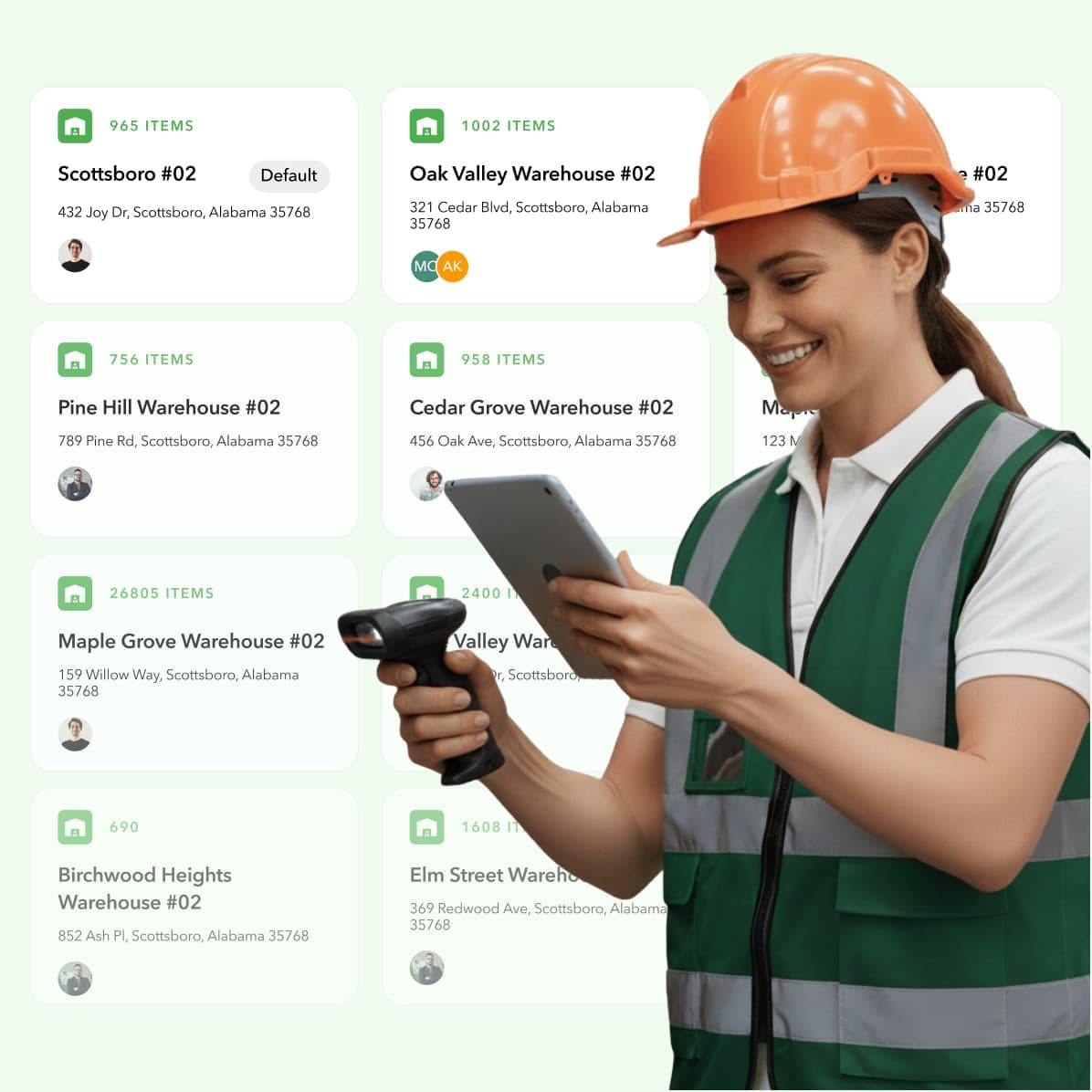
Multi-location inventory management software lets you track and control stock across all your sites from one dashboard. No more logging into a different system for every warehouse.

Managers can see inventory levels at all locations at once. If you need to move stock or fill an order, you know exactly where the goods are and can make a call based on real-time info.

Key capabilities include:

Centralized dashboard with all your stock in one view

Automated reorder triggers for each warehouse

Inter-warehouse transfers with tracking

Location-specific reporting on turnover and costs


With multi-location management, you can make the most of your warehouse space, fill orders faster, and cut shipping times by sending from the closest facility. Zone-based fulfillment assigns orders based on where your customer is, so you save on delivery and speed up service.

Stock Tracking Across Locations

Stock tracking systems rely on barcode scanning and automated identification to keep counts accurate everywhere. Every time something moves—arrives, transfers, ships—it gets logged instantly.

Real-time monitoring is key when you’ve got more than one warehouse. It keeps you from running out in one spot while another location is overflowing. The system updates as soon as staff scan items, whether they’re receiving, picking, or transferring.

It’s smart to standardize your tracking across all locations. When everyone uses the same labels, scanning routines, and entry practices, your reports actually mean something—and you don’t waste time chasing down errors.

RFID tech adds another layer, tracking item movement automatically as they pass through designated zones. It’s a real time-saver for goods moving between warehouses.

Integration with Other Business Systems

Inventory integration links your stock management to accounting, sales, and procurement tools, so everyone works from the same, up-to-date info. You don’t have to re-enter data or worry about teams working off old numbers.

Seamless Integrations with Accounting and Sales Platforms

When you connect inventory software to your accounting system, financial records update themselves. Stock changes automatically hit the general ledger, cost of goods sold, and revenue—no more manual journals or missed updates.

QuickBooks integration is a favorite for small and mid-sized companies. Inventory moves update accounting records automatically. Sales from your POS flow straight into inventory, triggering real-time updates.

Accounting integrations also help with forecasting. Finance teams can see current inventory values instantly, which means better purchasing decisions and smoother cash flow.

Ecommerce integrations pay off too. When customers order online, the system adjusts stock counts everywhere right away. That means no overselling and fewer awkward “sorry, we’re out” emails.

Purchase Order Management

Automated purchase order systems track every order from start to finish. When inventory dips below your set point, the software creates new purchase orders on its own. You don’t have to watch stock levels like a hawk—it just works.

The system tracks supplier lead times and tweaks reorder points based on real delivery patterns. You can see which orders are pending, shipped, or arriving soon, so your warehouse team isn’t caught off guard.

Purchase order integration also makes receiving easier. When shipments come in, your staff can match what arrived to what’s in the system. Stock counts update, and accounts payable gets the green light to pay vendors.

Asset Tracking

Asset tracking isn’t just for what you sell—it covers equipment, tools, and fixed assets too. You can see where assets are, who’s using them, and when they need maintenance. That helps prevent loss and boosts equipment utilization.

RFID and barcode scanning plug into inventory systems to give you real-time asset locations. Warehouse managers can track forklifts, pallet jacks, and other gear across all sites. The software logs assignments and movement history for each asset.

Maintenance schedules tie in with asset tracking, so you’ll get a heads-up when equipment needs service. Staying ahead of breakdowns keeps things running and stretches the life of your assets.

There’s no shortage of inventory management platforms out there. Some pack in every feature you can imagine, while others make you pay extra for basics or force you to cobble together add-ons. It’s a mixed bag, honestly.

Ply

Ply offers a streamlined inventory management experience with an interface that doesn’t take ages to learn. You get real-time stock tracking across sites, and it plugs right into popular e-commerce and accounting tools.

Unlike some competitors that nickel-and-dime you per user or hit you with big setup fees, Ply keeps pricing transparent. Automated reorder points, barcode scanning, and solid reporting all come standard.

The mobile app is a real plus—your team can manage inventory from anywhere, which is huge if you’re working on job sites or juggling several warehouses. Ply also provides dedicated support without making you shell out for premium packages. For small and mid-sized businesses, it’s a good fit because it grows with you and doesn’t lock core features behind paywalls.

Zoho Inventory

Zoho Inventory is part of the larger Zoho ecosystem, which helps if you’re already using other Zoho apps. It supports multi-channel selling and connects to big marketplaces like Amazon and eBay.

But without those extra Zoho apps, it can feel limited. The interface isn’t as modern or intuitive as others, and several useful features—advanced reporting, shipping automations, and certain integrations—sit behind higher-tier plans.

Support can be slow unless you’re paying for a top-level subscription. And for businesses that need strong warehouse management or multiple fulfillment centers, Zoho Inventory may not scale well.

QuickBooks Inventory

QuickBooks pulls inventory tools into its accounting software, which is handy if you’re already living inside QuickBooks. You’ll get stock tracking, automatic reordering, and solid sync with your sales and purchase orders.

But the catch is big: inventory features are only available in pricier subscription tiers, and there’s no standalone option. Growing shops often hit SKU limits quickly, and the lack of warehouse-specific features—like bin locations or pick/pack workflows—can create friction.

Most teams eventually need third-party add-ons, which means more cost and more systems to sync.

Cin7

Cin7 targets mid-sized retailers, wholesalers, and light manufacturers. You get POS integration, barcode scanning, and a range of automation features.

But the learning curve is steep. New users often describe onboarding as time-intensive, and pricing runs higher than most alternatives. Many companies end up hiring consultants just to implement it.

For teams with complex multi-channel operations, Cin7 can be powerful. But for contractors or smaller shops, it can feel like overkill.

SAP Business One

SAP Business One is a full ERP solution—powerful and customizable, but designed for larger operations with serious IT resources. It handles manufacturing, inventory, accounting, procurement, and more.

That power comes at a cost. Implementation can easily hit tens of thousands of dollars, and ongoing support requires dedicated IT know-how. For most small or mid-sized contractors, this level of complexity (and expense) far exceeds what’s needed.

Fishbowl

Fishbowl focuses on manufacturing and warehouse management, especially for teams that want deeper features than what’s built into QuickBooks. It integrates tightly with QuickBooks and offers production, work order, and material tracking tools.

However, it comes with a large upfront license fee plus yearly maintenance costs. Many advanced features—mobile scanning, manufacturing modules, etc.—are sold separately. The interface feels outdated compared to newer cloud platforms, and support quality varies.

Ordoro

Ordoro is built for businesses that rely heavily on shipping, dropshipping, and multi-channel fulfillment. It integrates with dozens of marketplaces and handles unlimited warehouses and channels.

The downside: it’s narrowly focused on shipping workflows. It skips asset tracking, bin locations, and multi-currency support. And with no mobile app, field teams or busy warehouse managers may feel stuck. Costs can climb quickly as you add advanced dropshipping and automation modules.

Pricing and Plan Options

Inventory management software pricing is all over the map. It depends on features, user count, and how many orders you’re pushing through. Most vendors offer a free version with just the basics, and then paid tiers that unlock automation, analytics, and more bells and whistles.

Free Inventory Management Software

Plenty of companies toss out a free plan for small businesses dipping their toes in. You’ll usually get basic inventory tracking, maybe a couple of users, and a cap on monthly transactions—enough to get started but not much more.

Zoho Inventory, for example, gives you a free plan with 50 orders per month, one user, and two storage spots. Even the free version lets you handle composite items, dropshipping, and backorders, which isn’t bad.

Of course, free software comes with strings attached. You’ll probably see fewer integrations, basic reports, and limited support. These plans work if your needs are simple and your volume is low, but you’ll hit the ceiling fast.

Some free versions slap their own branding on your invoices or reports, or limit how many products you can track. Others keep mobile app access behind a paywall.

Key Differences Between Free and Premium Plans

Paid plans open up what the free tiers lock down. You’ll get higher order limits, more users, extra warehouses, and a choice of subscription, one-time, or usage-based pricing.

Want serial and batch tracking, barcodes, or automated reordering? Those show up in the paid plans. Premium versions also unlock vendor portals, analytics dashboards, and support for multiple currencies.

As you pay more, you can add more users—free plans usually top out at one or two, while enterprise options fit teams of seven or more. More expensive plans also let you manage inventory across multiple warehouses or regions.

Support gets better as you move up the ladder. Free users are mostly on their own or stuck with email and forums. Paid subscribers can call in, get priority help, or even work with a dedicated account manager.

Evaluating and Choosing the Right Software

The best inventory management system strikes a balance: easy to use, solid support, and scalable as you grow. You want tools your crew can pick up quickly, real help when things break, and enough horsepower to keep up as orders pile up or things get more complicated.

Usability and Intuitive Interfaces

If the interface makes sense, you’ll spend less time training and see fewer mistakes. Folks should be able to check in stock, handle orders, or run reports without always reaching for a manual.

The best inventory control software gives you clean dashboards with the numbers that matter front and center. Menus should follow the way warehouse and retail teams actually work—not some developer’s idea of “logical.”

Mobile apps are a lifesaver if you’re juggling inventory across different locations or want to scan barcodes on the fly. Your team can update counts, check what’s on hand, or move stock right from their phones or tablets.

Always take advantage of a free trial or demo. You’ll see pretty quickly if the software fits your team’s workflow—or if it’ll just frustrate everyone.

Customer Support and Resources

Good support can save you from small headaches turning into big problems. Check what channels are open—phone, email, chat, tickets—and when you can actually reach someone.

Some providers offer round-the-clock help, but others stick to business hours (maybe not even your time zone). Find out if support is baked into the price or if it’ll cost extra.

Training materials make onboarding smoother. The better vendors have knowledge bases, videos, and onboarding help. Higher-tier plans might even come with an account manager to guide you through rough patches.

Don’t overlook user forums and groups. Sometimes, other business owners have already solved the exact problem you’re facing—and they’re happy to share workarounds that official guides miss.

Scalability for Business Growth

What works for 500 orders a month can fall apart at 5,000. Make sure your system can handle more volume without slowing down or forcing you into a pricey “enterprise” tier.

If you’re growing, multi-location support becomes a must. Your software should track inventory across warehouses, stores, or job sites with real-time updates.

Inventory tools should let you add users, locations, and integrations as you need them, not force you to start from scratch. Watch out for sudden price jumps when you hit certain limits.

APIs and webhooks are a plus if you want to build custom integrations down the road. Contractors or trades with unique workflows will appreciate platforms that don’t box them in.

Frequently Asked Questions

Contractors and trades often want clear, no-nonsense answers about free inventory tools, small business options, and whether Excel or Office can actually handle inventory. Getting a grip on which software fits your needs can save you a ton of time and regret.

What does inventory management software actually do?

Inventory management software tracks your stock levels, updates them in real time, automates reordering, and keeps your warehouse, vans, and job sites synced. Instead of chasing spreadsheets or guessing what’s in the shop, you get a live, accurate view of what you have and what you need.

Is inventory software worth it for small contracting businesses?

Yes. Even small shops benefit from it because the biggest cost leaks come from missing parts, extra supply-house runs, and jobs stalled by bad stock visibility. A simple system with barcode scanning and low-stock alerts usually pays for itself within months.

Can inventory software work across multiple warehouses or job sites?

Most modern platforms support multi-location tracking, but the depth varies. Some only sync counts across a few shelves; others give you full control across warehouses, trucks, and field teams. If you run vans as mobile warehouses, make sure the system supports location-level visibility.

What features should contractors look for?

The must-haves are real-time tracking, barcode or QR scanning, reorder points, mobile access, and the ability to track parts across vans and storage areas. If you handle complex projects, look for forecasting, purchase order automation, and supplier integrations.

Can Excel still work for basic inventory tracking?

Excel works in the earliest stages—think a few SKUs, one location, and one person updating the sheet. But it falls apart as soon as you need real-time updates, multiple users, mobile access, or reliable audit trails. Most errors and cost overruns come from relying too long on spreadsheets.

What’s the difference between free inventory software and paid versions?

Free versions usually cap you on orders, users, and warehouses. They’re great for getting started—but you’ll outgrow them quickly if you rely on automation, multi-location tracking, or reporting. Paid plans unlock barcode scanning, advanced analytics, purchase orders, and more integrations.

Does inventory software integrate with accounting tools like QuickBooks?

Most platforms sync directly with QuickBooks, Xero, or other accounting tools. When everything is connected, purchase orders, receipts, and stock changes update your books automatically—no double entry or missed adjustments.

Can inventory management software help reduce shrinkage or lost materials?

Yes. Real-time visibility, location tracking, and audit trails make it easier to identify where materials went missing and catch discrepancies early. Barcode scanning and cycle counts help tighten control and reduce waste, theft, and accidental loss.

What if my team isn’t tech-savvy?

Look for a system with a simple interface and a solid mobile app. If your crew can scan a barcode with their phone, they’re already 90% of the way there. Many platforms also include onboarding, tutorials, or live support to help your team get up to speed fast.

How do I know which inventory system is right for me?

Start by mapping your actual workflow: where your inventory lives, who touches it, how often you reorder, and what causes delays. Then choose a platform that matches your size, industry, and complexity—something easy to use, mobile-friendly, and scalable as you grow.

Table of Contents:

GET STARTED TODAY

Get your free 30-minute demo

Drop us a line and we’ll schedule a call to demonstrate all the benefits of Ply