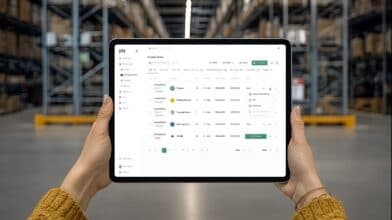
When you need to hang a picture, a basic hammer from your junk drawer works just fine. But you wouldn’t try to frame a house with it. Choosing an inventory system works the same way. For businesses just starting out, free inventory stock management software can feel like that handy hammer—it gets a simple job done without any investment. It helps you count what you have and see where it is. The problem arises when your needs get more complex. For contractors managing truck stock, creating purchase orders, and tracking job costs, that simple hammer just isn’t the right tool for the job. Let’s explore what these free tools offer and when it’s time to upgrade your toolbox.
Key takeaways
- Use free tools to establish a baseline: They are a great, no-cost way to replace manual spreadsheets, improve accuracy, and get a clear picture of what you have on hand.
- Anticipate the limits of free software: Most free plans restrict users, locations, and transactions, creating roadblocks that can hinder your company’s growth as you add more technicians and jobs.
- Prioritize features built for the trades: Generic software can’t manage truck stock or integrate with field service platforms, which are essential for running an efficient contracting business.
Why consider free inventory management software?
If you’re still tracking parts on a spreadsheet or a clipboard in the warehouse, you know how quickly things can get messy. Misplaced orders, surprise stockouts, and unaccounted-for materials can bring a profitable job to a grinding halt. For many businesses looking to get organized, free inventory management software seems like the perfect first step. And for good reason: it’s a major upgrade from manual methods without impacting your budget.
The most obvious perk is the price tag. Free tools allow you to automate the tracking of stock levels, orders, and deliveries without an upfront investment. This is a huge win for any business keeping a close eye on its cash flow. Moving from paper lists to a cloud-based system also brings a new level of accuracy to your operations. It helps reduce the human error that leads to having too much of one part and not enough of another, saving you time and preventing costly mistakes on the job.
Most free platforms are designed to be simple and user-friendly. They provide easy ways to record items coming in, parts going out, and basic stock adjustments. Think of it as creating a reliable digital history for your materials, which is a critical foundation for growth. For a small shop just starting to formalize its processes, these tools can bring much-needed order to the chaos. They handle the basics well and get your data out of binders and into a system, setting the stage for a more efficient and profitable operation.
The best free inventory management software
When you’re looking to get a handle on your materials without adding another line item to your budget, free inventory management software can feel like the perfect solution. And for many businesses, it is. These tools offer a starting point for organizing stock, tracking items, and finally getting away from messy spreadsheets. They can help you establish a baseline for what you have on hand, where it is, and when you need to reorder.
The market is full of free options, each with its own strengths. Some are designed for retail shops with a point-of-sale, others are built for ecommerce, and a few are flexible enough for small warehouses. The key is to match the software’s features to your business’s actual day-to-day needs. A coffee shop has very different inventory challenges than a plumbing company. Below, we’ll walk through some of the most popular free tools available, what they do best, and who they’re for. This will help you see what’s out there and decide if a free tool is the right fit for you.
1. Square inventory for retail and point-of-sale
If you run a retail store, a small cafe, or any business that uses a point-of-sale (POS) system, Square Inventory is a fantastic starting point. It’s included with every free Square POS account and handles the basics with ease. You get live inventory tracking, low-stock alerts, and simple reporting. Because it’s part of the Square ecosystem, it syncs perfectly with your sales data and can even connect to a simple ecommerce site. It’s ideal for startups and small retail businesses that need to manage stock sold directly to customers. However, its focus on in-person and online sales makes it less suitable for service-based businesses managing parts for jobs.
2. Odoo inventory for open-source customization
Odoo Inventory is a powerful option for businesses that want flexibility and have some technical know-how. As an open-source platform, its free plan is surprisingly generous, offering support for unlimited users, products, and locations. It excels at automating tasks like generating reordering rules and managing suppliers. The biggest advantage is its customizability; if you have a developer, you can tailor it to your exact needs. The trade-off is a steeper learning curve compared to other, more straightforward tools. It’s a great fit for a growing business that needs a highly personalized system and isn’t afraid to put in the time to set it up.
3. Zoho Inventory for an all-in-one business suite
For businesses that are already using or considering the Zoho ecosystem, Zoho Inventory is a logical and powerful choice. The free plan is well-structured and designed to scale with you as your business grows. It offers excellent features for managing orders across multiple channels, which is perfect if you sell online, in-person, and through marketplaces. You can track inventory, manage order fulfillment, and get a centralized view of your stock. While the free version has limits on orders and shipping labels, it provides a solid foundation within a comprehensive suite of business tools that all work together seamlessly.
4. Boxstorm for cloud-based simplicity
Boxstorm is a cloud-based inventory management tool designed to help small businesses track stock, manage locations, and maintain basic visibility into inventory levels. Its simple interface and low-cost plans make it appealing for companies that want to move away from spreadsheets without committing to a complex system.
For contractors, Boxstorm can work as a lightweight inventory tracker for a single warehouse or small operation. It allows you to see what’s in stock, set reorder points, and understand inventory value at a high level. For very small teams with limited inventory movement, this may be enough to create basic organization.
Where Boxstorm starts to fall short is in supporting real-world trade workflows. The platform is not designed around job-level inventory usage, technician workflows, or truck stock management. Inventory changes are typically handled as back-office updates rather than being captured naturally as work happens in the field. As a result, contractors often need to rely on manual processes to keep inventory accurate across jobs and vehicles.
As operations grow, these gaps become more noticeable. Contractors managing multiple trucks, technicians, and job sites often outgrow Boxstorm and look for contractor-first platforms like Ply, which are built to connect inventory directly to jobs, trucks, and field activity without added administrative overhead.
5. Salesbinder for sales-driven teams
SalesBinder is an inventory management solution aimed at small businesses that need basic stock tracking, customer records, and order management. It provides tools for monitoring inventory levels, managing simple transactions, and generating reports, all through a relatively straightforward interface.
For contractors, SalesBinder can function as a basic inventory database. It helps centralize parts lists and provides visibility into what materials are on hand. This can be useful for businesses transitioning away from manual tracking methods or spreadsheets.
However, SalesBinder is not built with field service or trade workflows in mind. The platform lacks native support for job-based inventory allocation, truck stock management, and technician-driven updates. Inventory usage is generally recorded after the fact, which increases the risk of discrepancies when parts are moved between jobs, trucks, or technicians during the day.
Because of these limitations, SalesBinder often works best for contractors with very simple operations or minimal field complexity. As teams expand and accurate job costing becomes more important, many contractors shift to platforms like Ply that are designed specifically for the trades, where inventory updates are tied directly to jobs and captured as work is completed.
6. Sortly for visual, image-based tracking
If you find spreadsheets and SKU numbers intimidating, Sortly is for you. Its biggest strength is its simplicity and highly visual, image-based approach to inventory. You can add photos of your items, organize them into folders, and track them with QR codes or barcodes, all from an incredibly user-friendly mobile app that even works offline. This makes it perfect for very small businesses, teams that are always on the move, or anyone who wants to track tools and equipment visually. While it may lack the advanced reporting and scalability of other systems, its ease of use makes it one of the fastest ways to get organized.
7. Ply for contractors who need more than “free”
Let’s be upfront: Ply isn’t free, but it’s the solution for contractors who find that “free” software costs them time and money in the long run. Generic free tools are not built for the trades. They lack essential workflows for managing truck stock, creating purchase orders on the fly, and handling job costing. Ply is designed specifically to solve these problems. It provides a complete system for managing parts and materials across your warehouse and service vehicles. It also integrates directly with the field service and accounting software you already use, like ServiceTitan and QuickBooks, creating a seamless operational flow that free options simply can’t match. It’s an investment in efficiency that pays for itself.
Must-have features for free inventory software
When you start looking for free inventory software, it’s easy to get overwhelmed by the options. But not all free tools are built the same, and the last thing you want is a system that creates more work than it saves. The goal is to find a solution that handles the fundamentals of inventory management without cutting corners. A good free platform should do more than just count your items; it should give you the visibility and control you need to run your business smoothly.
Think of it as a checklist for your search. You need a tool that can keep up with your daily operations, from tracking parts in real-time to making sure you never run out of a critical component mid-job. The right features will help you reduce costly last-minute supply runs, prevent over-ordering, and streamline how your team manages materials. As you evaluate different options, focus on these core capabilities. They are the building blocks of an inventory system that actually supports your business instead of just taking up space on your computer. A truly comprehensive system will offer a full suite of features designed to manage the entire lifecycle of your materials.
✓ Real-time tracking & low-stock alerts
At its core, any inventory software worth its salt must offer real-time tracking. This means you know exactly what you have and where it is at any given moment—no more guessing or relying on outdated spreadsheets. When a technician uses a part on a job, the system should update instantly. This accuracy is what allows you to make smart purchasing decisions.
Paired with this is the need for low-stock alerts. These automated notifications are your safety net, letting you know when it’s time to reorder before you run out completely. For a contractor, running out of a common part can derail a job and lead to an unprofitable trip to the supply house. These alerts help you stay ahead, ensuring your trucks are always stocked with what they need.
✓ Purchase orders & supplier management
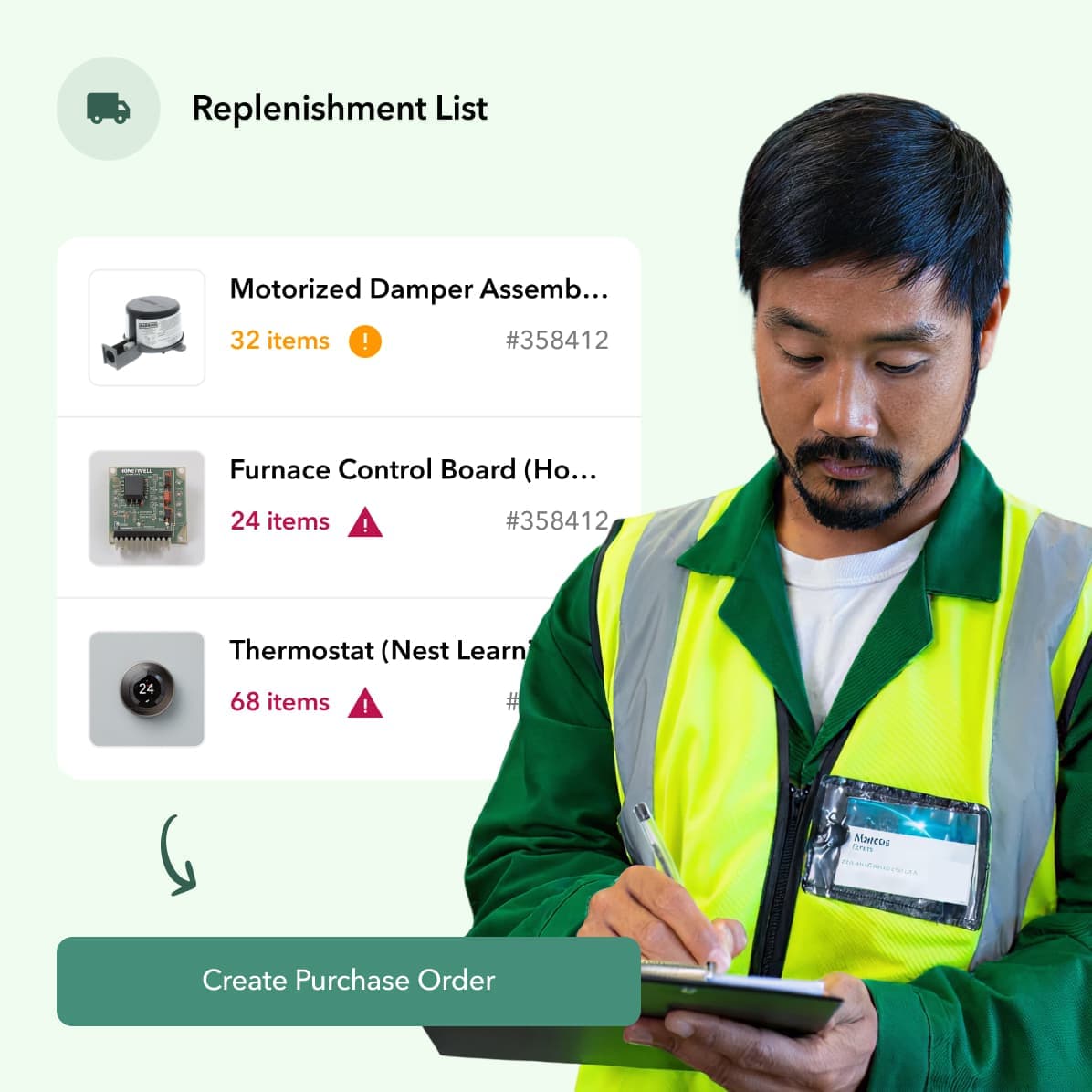
While basic free tools might let you count items, they often fall short when it comes to managing the purchasing process. Creating and tracking purchase orders (POs) is a fundamental business practice that keeps your buying organized and professional. A good system will allow you to generate POs, send them to suppliers, and track them until the order is received.
This ties directly into supplier management. Instead of digging through emails or old invoices, your software should keep all your supplier information in one place. This includes contact details, pricing lists, and lead times. Having this data organized helps you make faster, more informed decisions when it’s time to restock, ensuring you’re always getting the best deal from the right vendor.
✓ Barcode scanning & mobile access
Manual data entry is slow and prone to errors. Barcode scanning solves this by letting your team quickly check items in and out of inventory with a simple scan from a smartphone or dedicated scanner. This dramatically improves accuracy and saves hours of tedious work, whether you’re receiving a shipment at the warehouse or logging parts used on a job site.
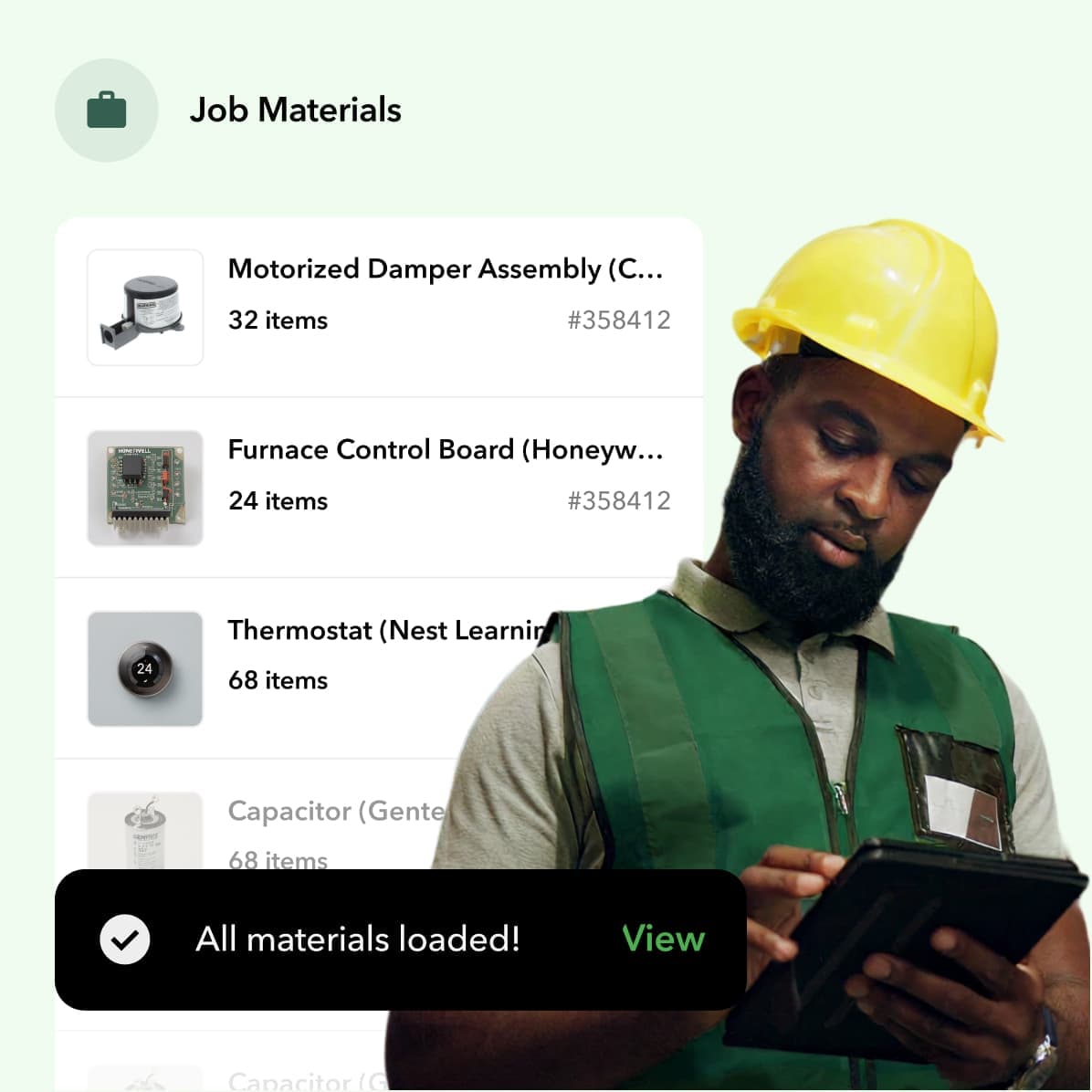
For trade businesses, work doesn’t happen behind a desk. Your technicians need mobile access to the inventory system from the field. A mobile app allows them to see what parts are available on their truck, check stock at the warehouse, and log materials used for a job on the spot. This immediate access is crucial for keeping your inventory data accurate and empowering your team to work efficiently.
✓ Multi-location & warehouse support
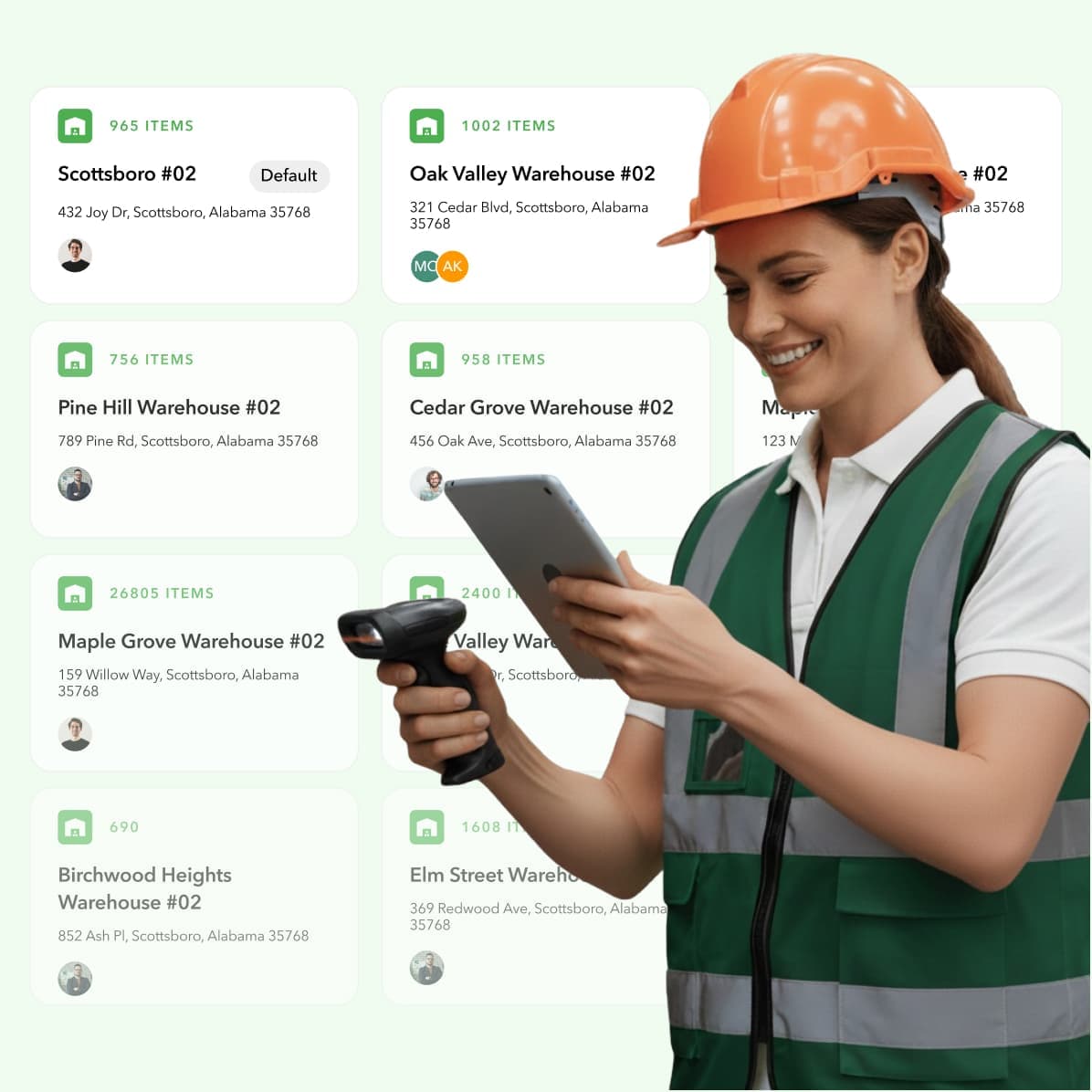
If your business operates out of more than just one location, you need software that can handle it. This means tracking inventory not only in your main warehouse but also across multiple service vehicles, storage units, or even job sites. A system with multi-location support gives you a clear view of your entire stock, preventing situations where one tech is out of a part while another has a surplus.
Managing a warehouse comes with its own set of challenges, from organizing bins to optimizing layouts. While most free software won’t offer advanced warehouse management features, it should at least provide the basic framework for tracking items in specific locations or bins. This foundational organization is key to scaling your operations without creating chaos.
✓ Reporting & analytics
Simply tracking your inventory isn’t enough; you need to understand the data behind it. Good inventory software provides reports that turn numbers into actionable insights. Look for basic reports on inventory levels, turnover rates, and stock aging. These analytics help you identify which items are your best sellers, which ones are collecting dust, and how quickly you’re moving through materials.
This information is vital for making smarter financial decisions. By understanding consumption trends, you can optimize your purchasing, reduce carrying costs, and even calculate the true return on investment of your inventory strategy. Reports give you the high-level view you need to manage your business proactively instead of reactively.
✓ Key software integrations
Your inventory management system shouldn’t be an island. To be truly effective, it needs to connect with the other software you rely on every day. For contractors, this means seamless integrations with your accounting platform, like QuickBooks, and your field service management software, such as ServiceTitan, Housecall Pro, or Jobber.
When your systems are connected, data flows automatically. Parts used on a job can be added to an invoice without manual entry, and purchase orders can be synced with your accounting books. This eliminates redundant work, reduces the risk of human error, and ensures everyone is working from the same, up-to-date information. Without these key integrations, you’ll be stuck patching together data from different sources.
The hidden limitations of free inventory software
Let’s be honest: the word “free” is incredibly tempting. When you’re trying to keep overhead low, free software seems like a no-brainer. But when it comes to something as critical as your inventory, “free” often comes with hidden strings attached. These limitations aren’t always advertised on the box, and they can create serious roadblocks for your business as it grows.
Think of free software as a starter apartment. It gets the job done when you’re just starting out, but you’ll quickly outgrow it. The limitations are designed to get you to upgrade, and they often pop up right when you can least afford a disruption. Understanding these potential drawbacks from the start will help you choose a tool that supports your business for the long haul, instead of holding it back.
X User and location limits that stop growth
One of the first walls you’ll hit with free software is a hard cap on users and locations. Most free plans only allow for one or two users and a single warehouse. This might work for a one-person operation, but what happens when you hire more technicians or expand your service area? Suddenly, your office manager can’t access the system while a tech is using it in the field.
These limits are a classic growth penalty. The software that was supposed to help you become more efficient now prevents you from expanding your team or managing inventory across multiple trucks and storage locations. You’re forced to either stay small or migrate to a new system—a process that costs significant time and money.
X Caps on orders and transactions
Beyond limiting your team, free software often restricts how much business you can actually do. Many plans place a ceiling on the number of purchase orders, sales orders, or transactions you can process each month. For a growing trade business, this is a dealbreaker. During your busy season, you could easily hit that cap in the first couple of weeks, leaving you unable to order materials or track jobs properly for the rest of the month.
This forces you into a frustrating corner. You either have to halt your workflow or immediately pay for an upgrade. These transaction limits make it difficult to scale your operations smoothly, turning your periods of highest demand into logistical headaches instead of profitable opportunities.
X Lack of critical integrations
Your inventory system shouldn’t be an island. To run your business efficiently, it needs to communicate seamlessly with the other software you rely on every day, like your accounting and field service management platforms. This is where most free options fall completely flat. They rarely offer the deep, purpose-built integrations that trade businesses need.
Without a connection to your field service software like ServiceTitan or Jobber, your techs can’t see real-time stock levels. Without a link to QuickBooks, your team is stuck with hours of manual data entry to reconcile purchases. This creates disconnected workflows, increases the risk of human error, and makes it impossible to get a clear, accurate picture of your job costs and profitability.
X Minimal or non-existent customer support
When your inventory system goes down or you can’t figure out a key feature, who do you call? With free software, the answer is often “no one.” Most free plans offer little to no dedicated customer support. You might be able to find help in a community forum or an outdated user guide, but you won’t have a reliable expert to turn to when you’re in a jam.
For a contractor, that’s a huge risk. If you can’t track a part or process a purchase order, jobs get delayed, and customer satisfaction plummets. Relying on a system without professional backup means that when a problem inevitably arises, you’re left to solve it on your own, wasting valuable time you should be spending on the job.
X No advanced features (like truck stock management)
Free inventory software is typically built for general retail or ecommerce use, not the unique demands of the trades. As a result, it lacks the specialized features that are essential for contractors. You won’t find tools for managing complex purchase orders, kitting materials for specific jobs, or handling returns and warranties efficiently.
Most importantly, these platforms have no concept of truck stock management. Your technicians’ vans are essentially mobile warehouses, and tracking the parts on each one is critical for first-time fix rates and job efficiency. Free software simply can’t handle this, forcing you back to unreliable spreadsheets and manual counts that lead to stockouts, unnecessary supply house runs, and lost revenue.
What do user reviews really say?
Star ratings are a good starting point, but they rarely tell the whole story. A five-star review from a small online t-shirt shop doesn’t mean the same software will work for your multi-truck plumbing business. The real insights are buried in the comments, where users share what they love, what drives them crazy, and what they wish they’d known before signing up. Learning to spot these patterns is key to finding a tool that actually solves your problems instead of creating new ones.
Free software is particularly tricky because reviews often focus on the value for the price (which is zero), not on the software’s ability to handle complex, real-world operations. You’ll see a lot of praise for basic features and simple interfaces, but you have to dig deeper to find out how the tool performs under pressure. Does it scale? Does it support the specific workflows your trade requires? Does customer support exist when you hit a wall? These are the questions that reviews can answer—if you know how to look.
Click here to learn more about how Ply helped Kyle Plumbing save $thousands through streamlined operations
How to read between the lines of user ratings
When you’re scrolling through reviews, the first thing to do is filter for businesses like yours. Look for comments from other contractors, field service companies, or anyone managing inventory across multiple locations or vehicles. Their pain points will be your pain points. Many reviews for free software come from budget-conscious businesses that just need to automate the tracking of stock levels and orders. While that’s a great start, your needs are more complex. Pay close attention to mentions of workarounds, missing features, or frustrations with limitations that a simple retailer might never encounter.
What users love: easy setup and basic features
You’ll find that most positive reviews for free inventory tools highlight how easy they are to get started with. Users often praise a sleek, simple interface and a core set of features that work right out of the box. Things like live inventory tracking, basic order management, and product variant capabilities are common callouts. For a business just moving off of spreadsheets, this feels like a huge step up. These tools are genuinely great at handling the fundamentals, which is why they get such high marks from users with straightforward inventory needs.
Common complaints: scalability and support issues
Here’s where free software starts to show its cracks, especially for trade businesses. The most frequent complaints revolve around what happens when a company starts to grow. The user limits, transaction caps, and lack of advanced features quickly become roadblocks. For contractors, the feedback is even more specific. Reviews often point out that while a tool is flexible, it lacks the specialized workflows for job costing and truck stock management that your business depends on. This is a critical distinction, as generic software simply isn’t built to handle the unique challenges of managing materials on job sites.
Feedback on usability and design
Beyond specific features, reviews offer a glimpse into the day-to-day experience of using the software. Is it intuitive for your techs in the field? Or does it require extensive training? A common theme is the need for seamless connections with other business software. The right inventory tool should reduce your workload by connecting with the platforms you already use, like your accounting or field service platform. If users complain about having to manually enter data between systems, that’s a major red flag. A “free” tool that costs your team hours in duplicate entry isn’t free at all.
The word “free” is tempting, but when it comes to business software, it’s rarely the full story.
Are there hidden costs you should know about?
The word “free” is tempting, but when it comes to business software, it’s rarely the full story. Free inventory management tools are designed to get you in the door, but they often come with a catch. As your business grows, you’ll likely run into limitations that force you to either pay for an upgrade or deal with inefficient workarounds. These hidden costs aren’t always on a price tag; they can show up as wasted time, operational headaches, and missed opportunities.
Before you commit to a free platform, it’s smart to look ahead and understand the total cost of ownership. Think about where you want your business to be in a year or two. Will your team be bigger? Will you have more trucks on the road or a second warehouse? The free tool that works today might become a roadblock tomorrow. Understanding the common ways “free” software can become expensive helps you make a choice that supports your business for the long haul, instead of holding it back.
Forced upgrades for key features
Most free software plans come with built-in limits. You might get a certain number of users, a cap on how many items you can track, or a limit on monthly purchase orders. These restrictions are fine when you’re just starting, but they can quickly become a problem. For example, you might find that you can’t manage inventory across multiple warehouses or access essential reporting features without switching to a paid plan. This strategy is common: give you the basics for free, but put the features you need to actually scale your business behind a paywall. It forces you to upgrade right when your operations start getting more complex.
Extra fees for additional users or storage
One of the most common hidden costs is the per-user fee. A platform might be free for a single user, but as soon as you need to add your office manager or lead technician, you have to start paying. A fee of a few dollars per user per month might not sound like much, but it adds up as your team grows. If you plan to hire more technicians or administrative staff, a “free” plan can quickly turn into a significant monthly expense. These incremental costs can make budgeting difficult and turn an initially free tool into a surprisingly pricey subscription over time.
Charges for essential integrations
For any trade business, software doesn’t operate in a vacuum. Your inventory system needs to talk to your accounting software and your field service management platform. This is where many free tools fall short. They often lack the direct, seamless integrations with platforms like ServiceTitan, Jobber, or QuickBooks that contractors rely on. If an integration is offered, it’s frequently considered a premium feature that requires a paid subscription. Without these connections, your team is stuck with manual data entry, which leads to errors, wastes valuable time, and prevents you from having a clear view of your business operations.
When “free” becomes expensive
Ultimately, a “free” tool becomes expensive when it costs you more in time and inefficiency than a paid tool would cost in dollars. When your team is spending hours manually tracking parts, dealing with stockouts on a job site, or trying to reconcile data between different systems, you’re losing money. That’s time that could be spent completing another job or providing better customer service. The right software should save you time and streamline your workflow, not create more of it. Before settling for free, it’s worth calculating the potential return on investment that a purpose-built system can provide by reducing waste and improving productivity.
Which free software is right for your business?
The best free inventory software for a coffee shop is completely different from the best one for an HVAC company. Your industry dictates your needs, from tracking parts on a truck to managing online sales. Before you commit to a platform, it’s important to understand which type of software is built for your specific workflow. Let’s break down the options based on your business type so you can find a tool that actually supports how you work.
For retail & e-commerce shops
Retail and e-commerce businesses live and die by accurate stock counts, especially when selling across multiple channels. You need a system that can handle product variations like size and color, integrate with your point-of-sale (POS) system, and sync your online store with your physical inventory. Tools like Square are often a great starting point because their free plans are built for this environment. They typically include essential features like live inventory tracking and an ecommerce site builder, giving you a solid foundation to manage sales and stock without an initial investment.
For field service teams
If your team is out in the field, your inventory isn’t sitting on a shelf—it’s on the move. Field service businesses need software that tracks parts and materials across multiple service vehicles and job sites. The most critical feature here is integration. Your inventory tool must connect seamlessly with your field service management and accounting software to ensure parts used on a job are recorded correctly for billing and reordering. This connection is what turns a simple stock list into a dynamic tool that helps your technicians complete jobs efficiently and accurately. Without it, you’re just creating more manual work for your team.
For contractors & trade businesses
While “free” is always tempting, it’s rarely the right fit for contractors and trade businesses. Standard free inventory apps are designed for simple retail or warehouse environments, and they lack the specialized features your business depends on. Think about it: do they offer true truck stock management to see what’s on each van? Can they handle job costing by linking materials directly to specific projects? The answer is almost always no. For trade businesses, trying to make a generic free tool work often leads to messy workarounds and wasted time, ultimately costing you more than a purpose-built solution would.
For manufacturing & distribution
Manufacturers and distributors have some of the most complex inventory needs. You’re not just tracking finished products; you’re managing raw materials, work-in-progress (WIP), and bulk goods across a production cycle. A simple stock-in, stock-out system won’t cut it. You need features for production planning, managing bills of materials (BOMs), and handling large order volumes. While some software is designed for this sector, you’ll find that free plans simply don’t have the power to manage these complex supply chains. These operations require a robust system built specifically for the manufacturing and wholesale environment.
How to set up your free inventory software
Switching to a new inventory system can feel like a huge project, but breaking it down into a few key steps makes the process much smoother. A little planning upfront ensures you choose the right tool and get your team on board without disrupting your daily operations. The goal isn’t just to get your data into a new system; it’s to create a workflow that actually saves you time and money from day one. This setup process is your chance to fix old habits, clean up your data, and build a solid foundation for managing your materials more efficiently, whether they’re in the warehouse or on a truck. Taking the time to assess your needs, migrate your data cleanly, and train your team properly will pay off by preventing headaches down the road and ensuring the software actually works for you, not against you.
Step 1: Plan your setup and assess your data
Before you download any software, take a moment to map out what you actually need. Think about the scale of your inventory—are you tracking a few dozen parts or thousands? And where is it all located? If you’re managing materials in a central warehouse and across a fleet of service vehicles, your needs will be very different from a business with a single stockroom. This is also the time to consider your growth. A free tool might handle your current workload, but will it keep up as you add more techs and take on bigger jobs? A good ROI calculator can help you see the financial impact of a more robust system.
Step 2: Migrate your data
Once you have a plan, it’s time to move your data. Most businesses start out tracking parts on spreadsheets, so look for a system that makes it easy to import that information. A good tool will let you upload a CSV or Excel file, which saves you from hours of manual data entry and reduces the risk of errors. This step is also a great opportunity to clean up your data—get rid of duplicate entries and standardize part names. A clean data set is the foundation of an effective inventory system, especially when you use integrations to connect it to your other business software.
Step 3: Train your team
A new tool is only effective if your team knows how to use it properly. Choose a system with a straightforward, intuitive interface that won’t require weeks of training. The best software is simple to learn and doesn’t overwhelm you with features you’ll never use. Schedule a dedicated session to walk your technicians and office staff through the new workflow, from checking parts out of the warehouse to updating stock levels from the field. Investing a little time in training ensures everyone uses the system consistently, which is key to maintaining accurate inventory counts and seeing the kind of positive results other businesses have.
Related articles
- Best Warehouse Inventory Software for Small Businesses
- 7 Best Inventory Software for Small Businesses
- 6 Best Accounting Software for Inventory Management 2025
- Inventory Manager Software: Comprehensive Features & Best Solutions
Frequently asked questions
Is free software a good long-term solution for my trade business?
Think of free software as a great starting point. It’s a fantastic way to get your inventory data out of spreadsheets and into an organized system without an initial investment. However, as your business grows, you’ll likely find it can’t keep up. Most free tools aren’t built for the specific needs of contractors, so they lack essential features for managing truck stock, creating detailed purchase orders, and integrating with your field service software. It’s a solid first step, but not typically the final destination.
Why don’t most free inventory tools work for managing truck stock?
Most free inventory platforms are designed to track items in a single, static location, like a retail stockroom or a small warehouse. They see inventory as something that sits on a shelf. A contractor’s inventory is constantly on the move, spread across a fleet of service vehicles that act as mini-warehouses. Free software simply isn’t built to handle this multi-location, mobile reality, which makes it nearly impossible to get an accurate, real-time view of what parts are on which truck.
When is the right time to move from a free system to a paid one?
You’ll know it’s time to upgrade when your free system starts creating more work than it saves. The signs are usually clear: you’re spending hours on manual workarounds, you can’t add new team members because you’ve hit the user limit, or your inventory data doesn’t connect with your accounting or field service software. If you’re losing track of parts or making extra trips to the supply house because of inaccurate stock counts, you’ve definitely outgrown your free tool.
How much work is it to switch from spreadsheets to an inventory management system?
The transition is more manageable than you might think. The most important part of the process happens before you even sign up: cleaning up your existing spreadsheet data. Once your part numbers and descriptions are consistent, most quality software platforms allow you to import that file directly, saving you from hours of manual entry. While it takes some initial effort to get everything set up, that investment pays for itself quickly through improved accuracy and efficiency.
What’s the main advantage of a paid, industry-specific tool over a free, generic one?
The biggest advantage is a seamless workflow. A generic free tool might help you count parts, but a paid tool built for the trades connects your inventory directly to every other part of your business. It integrates with the field service and accounting software you already use, allowing you to track materials from purchase order to final invoice without manual data entry. This creates a single source of truth that saves time, reduces errors, and gives you a clear picture of your job costs and profitability.